OmniPage can handle multiple documents at the same time.
Create or open more than one document at a time.
Run a workflow on one document and work manually on another.
Run workflows on more than one document at the same time.
Copy or move pages between documents by the Copy and Paste commands or by drag-and-drop. For more details see Page operations between documents.
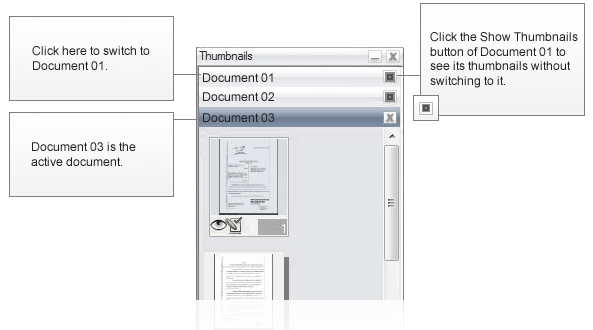
Show thumbnails of a document without switching to it. For more details see Showing thumbnails of another open document.
Use the Window menu or
In the Thumbnails panel, click the title bar of the document
Whenever you close a document or switch to another one when unsaved training data exists, a dialog box appears allowing you to save it.
