PROCESSIT Configuration
Introduction to Configuration
PROCESSIT workflow behavior, features and access permissions are all controlled in the Configuration manager.
The Configuration Manager can be accessed from the Console Worklist. Access is limited to administrators.
The configuration is divided into configuration areas. The main area is Parameter Management, where most standard configuration and setup is performed.
Use the navigation menu to select a configuration area. Note that you must select an organization for some areas.
Read the help topic about Configuration
Parameter Management
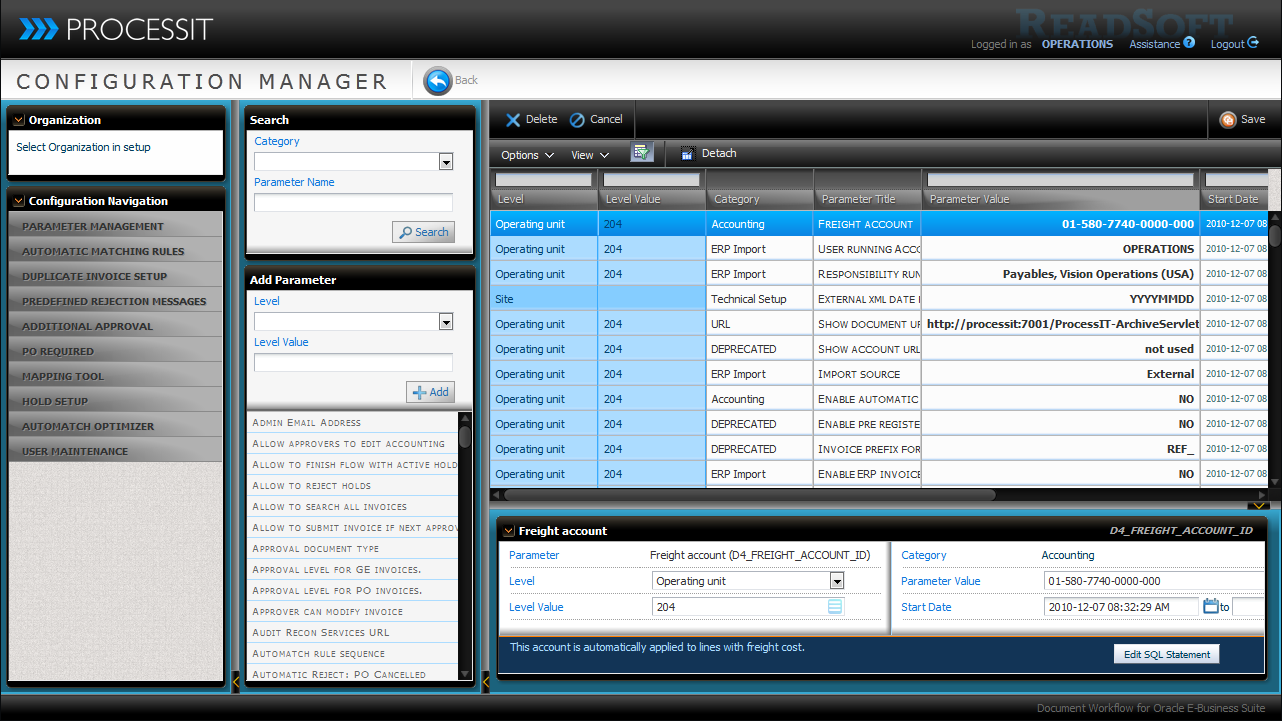
Most features and setup is controlled by Configuration Parameters. Each parameter can have mulitple settings, each different in level, value and/or active period.
The parameters are categorized according to the aspect of their effect. You can use the category groups to search or filter settings.
To add a new parameter setting, select the paramter in the Add Parameter box and click Add. Every time you add a parameter, you add a parameter setting to the table, which is in effect for the assigned level and date range.
For each parameter settings, you must set a level to which it applies, a level value - for instance a specific organization or user, a parameter value, and an optional effecive date range.
If end date is not specified, the parameter setting continues to be active.
Automatic Matching Rules
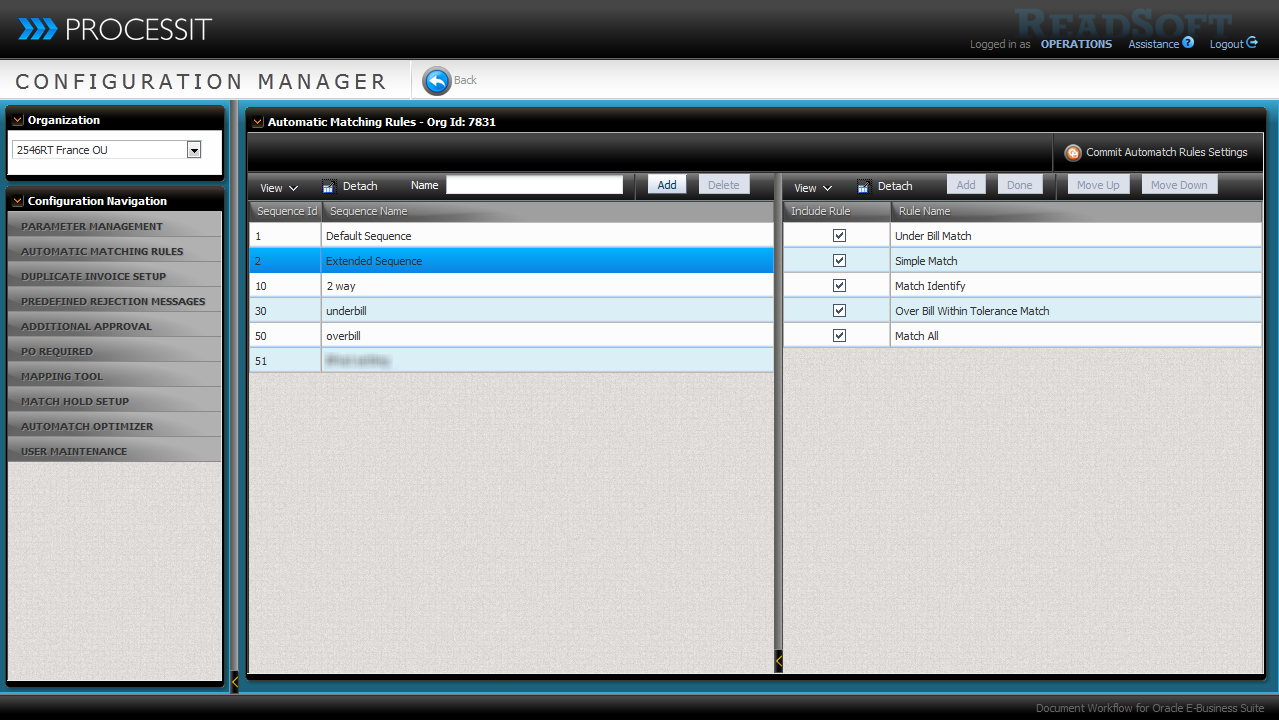
Automatic matching rules determine which rules are applied when PO invoices are matched to purchase orders by the system.
You must configure an automatic match sequence in the Automatic Match Rules area ...
... and set the parameter Automatch rule sequence to define which match sequence is used.
You can define more sequences and setup parameter settings on organization level to differentiate which rules are applied to invoices pr. organization.
Read more about Automatic Match rules
Duplicate Invoice Setup
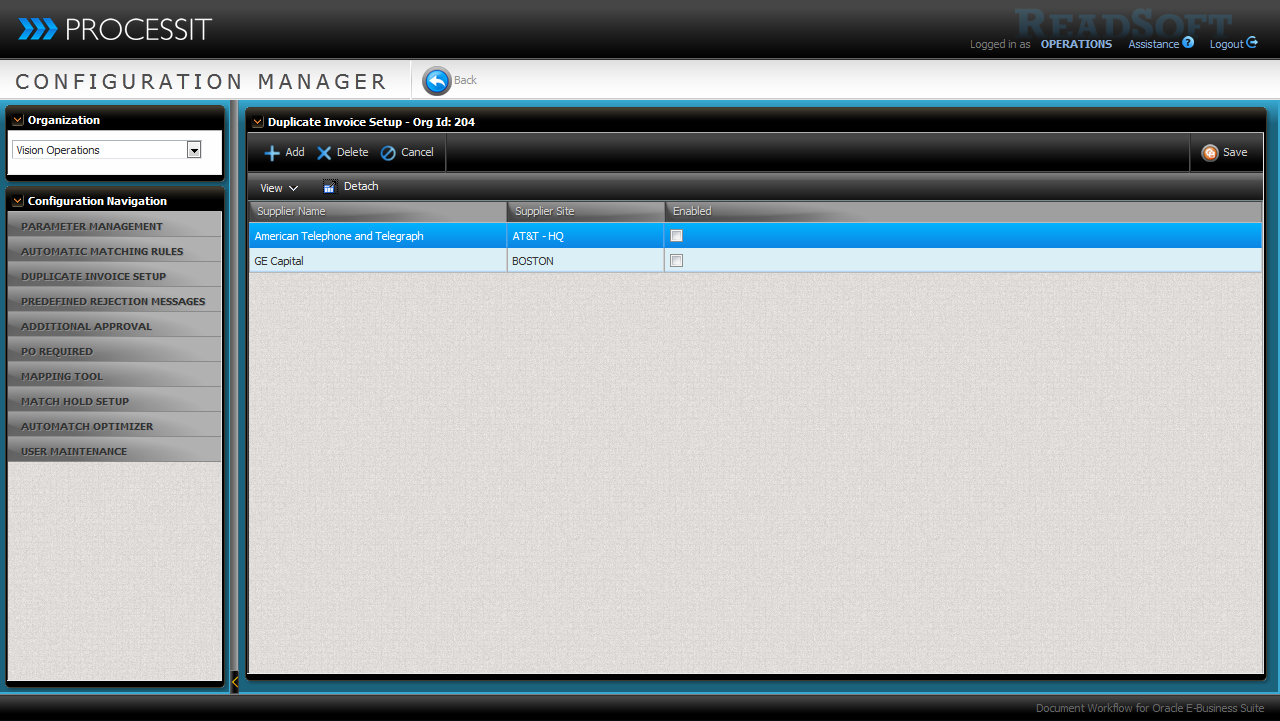
You can allow invoices with duplicate invoice numbers once a year, effectively adding a suffix for the year the invoice number.
It can be enabled on Organization level, Supplier level or Supplier Site level.
If this process is not enabled, an invoice with a duplicate invoice number is sent to a super user who can modify the invoice, which is standard behavior.
Read the help topic about Duplicate Invoice Number setup
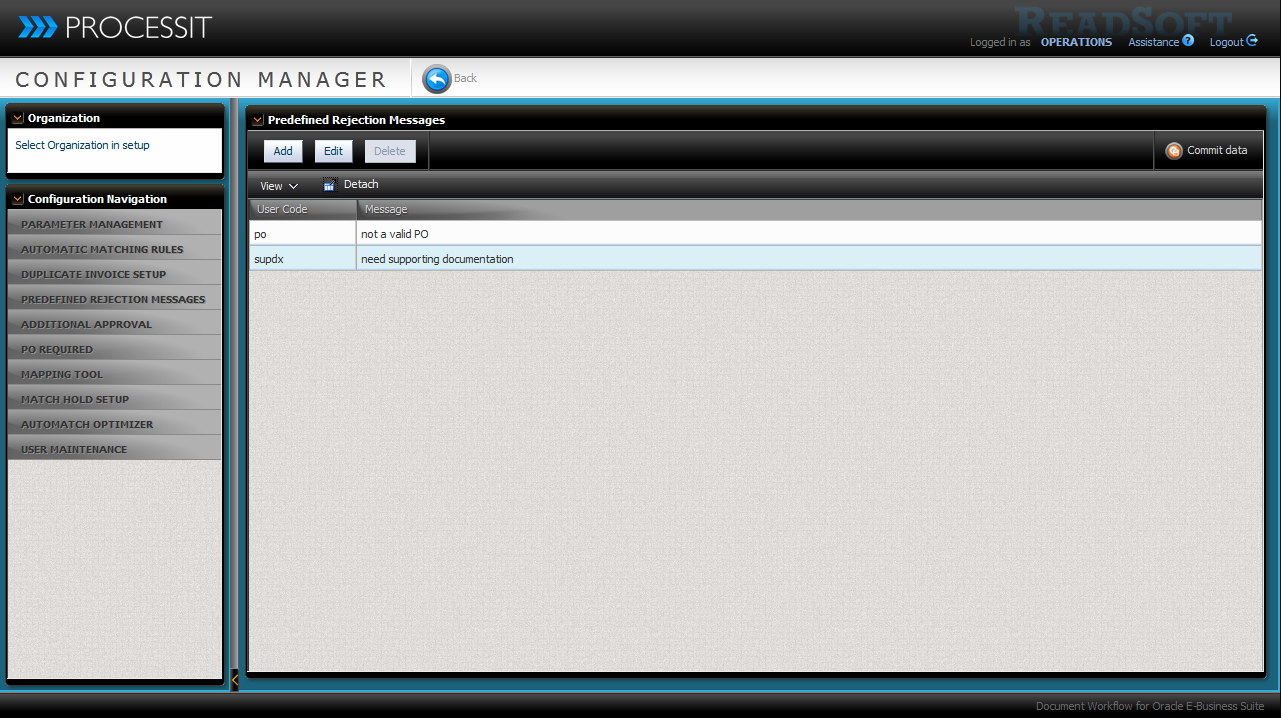
Predefined Rejection Messages
In the this configuration area, you can specify rejection messages that users can select when rejecting invoices.
This ensures consistency in the rejection remarks and messages.
User defined rejection codes and messages are used in the final reject dialog for sending information about rejected invoices to the supplier.
Each rejection code consists of an up to 5 characters rejection code and an up to 2000 character message.
Read the help topic about Predefined Rejection Messages
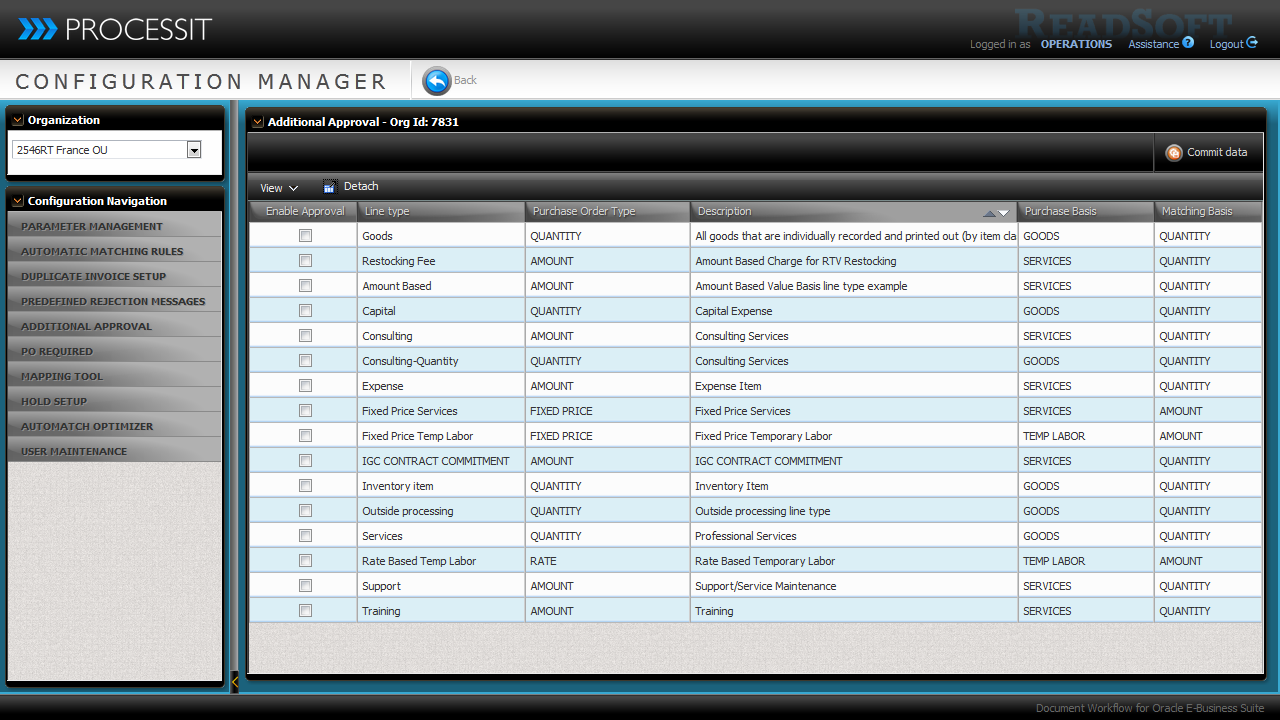
Additional Approval
Additional Approval applies to PO invoices. You can enable additional approval per Line Type on an invoice.
Each matched PO invoice that meets the defined criteria by having a line with enabled line types requires an additional manual approval check.
Read the help topic about Additional Approval
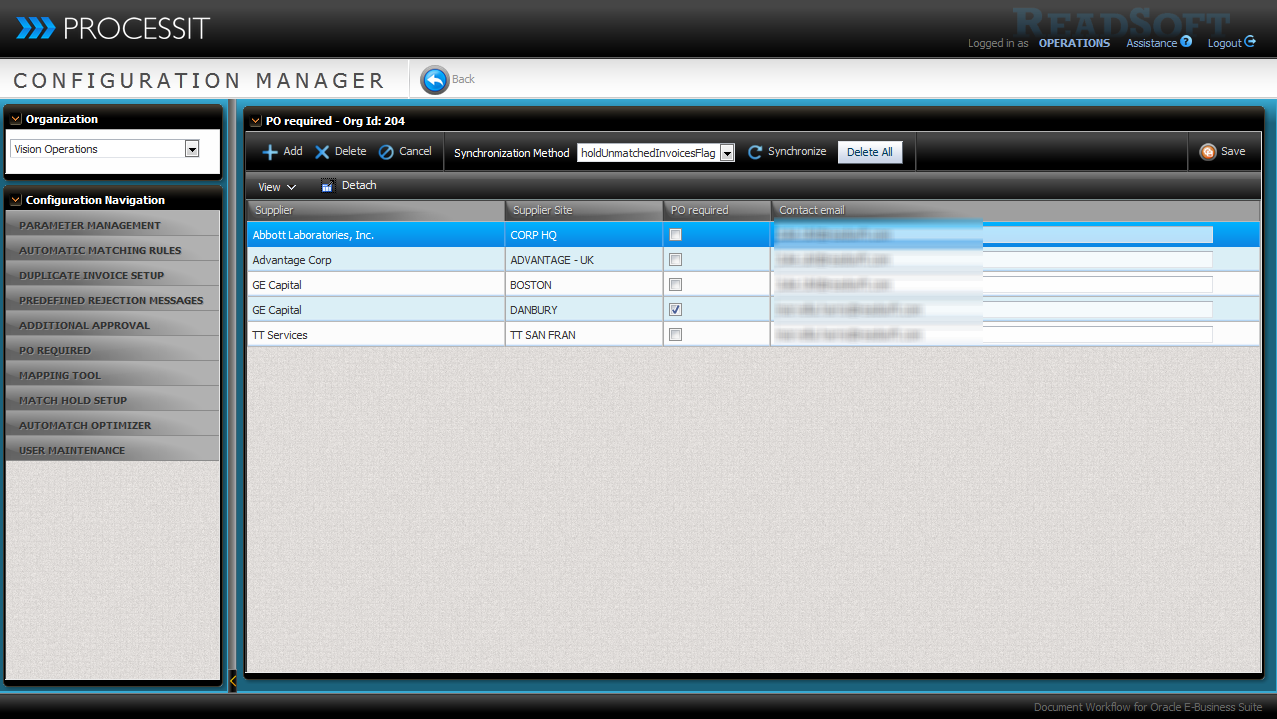
PO required
Enable the parameter PO Status Checks to configure purchase order requirements and automatic rejection rules based on purchase order status.
You can configure PROCESSIT to require a Purchase Order reference for incoming invoices, based on Organization, Supplier, and/or supplier site.
Invoices without purchase orders can then either be automatically rejected or sent for manual matching.
Read the help topic about PO required
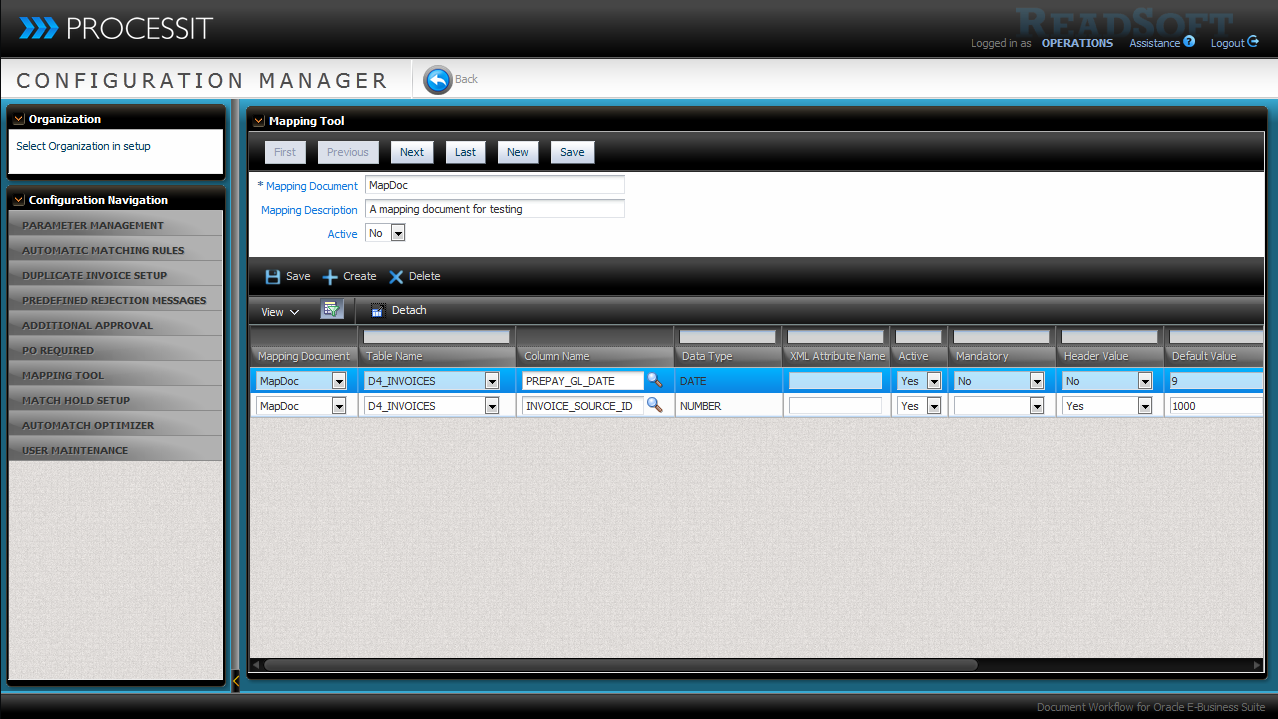
Mapping Tool
The Mapping Tool allows you to create custom mapping profiles to define the correlation between imported XML tag values and document attributes in the ERP system.
The mapping tool provides a way to map values without changing the XSL transformation files in BPEL.
Read the help topic about the Mapping Tool
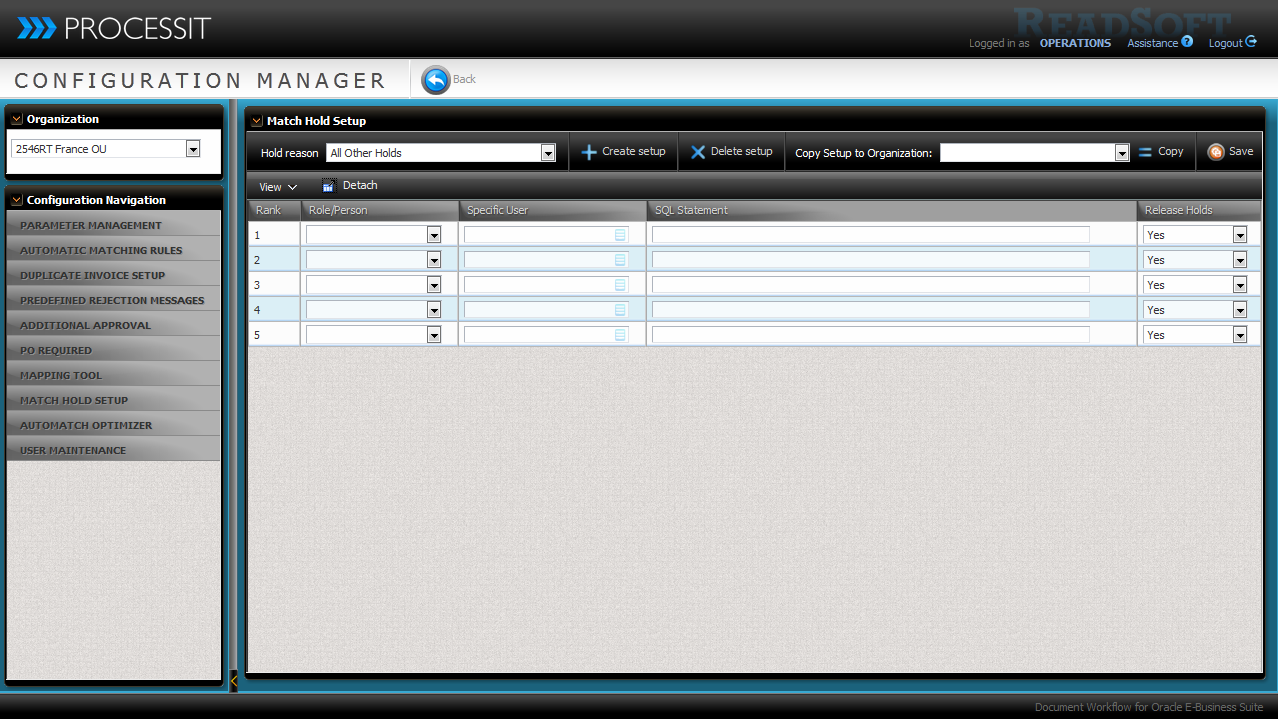
Match Hold Setup
Match Hold Receiver setup lets you configure which users receive hold notifications.
You can determine the ranking for notification, which role or user should receive the notification, and whether they should be allowed to release the hold.
Match hold receivers can be setup for each hold reason.
You can also customize the receivers with custom SQL code.
Read the help topic about Hold Setup
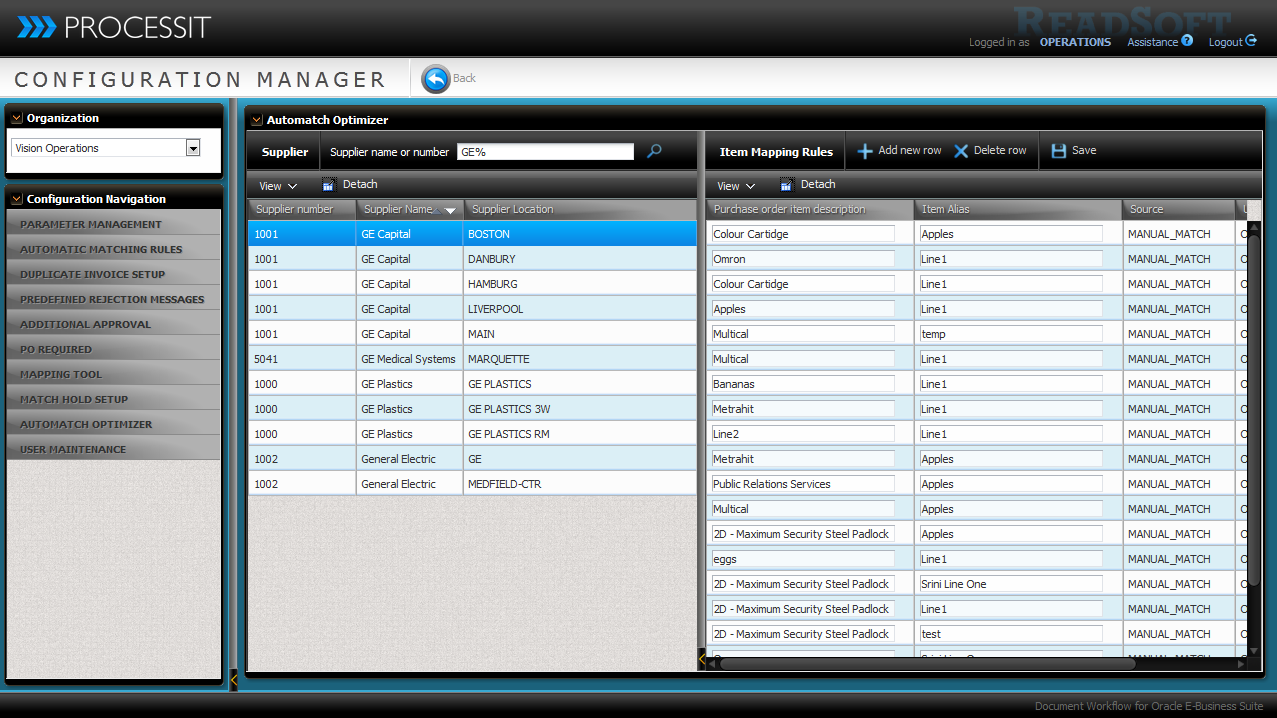
Automatch Optimizer
Manage item mapping match rules added during manual matching.
You can view existing rules by involved supplier and supplier site.
Rules be deleted and edited, and you can create new alternative rules before additional matching is performed.
Read the help topic about Automatch Optimizer
User Maintenance
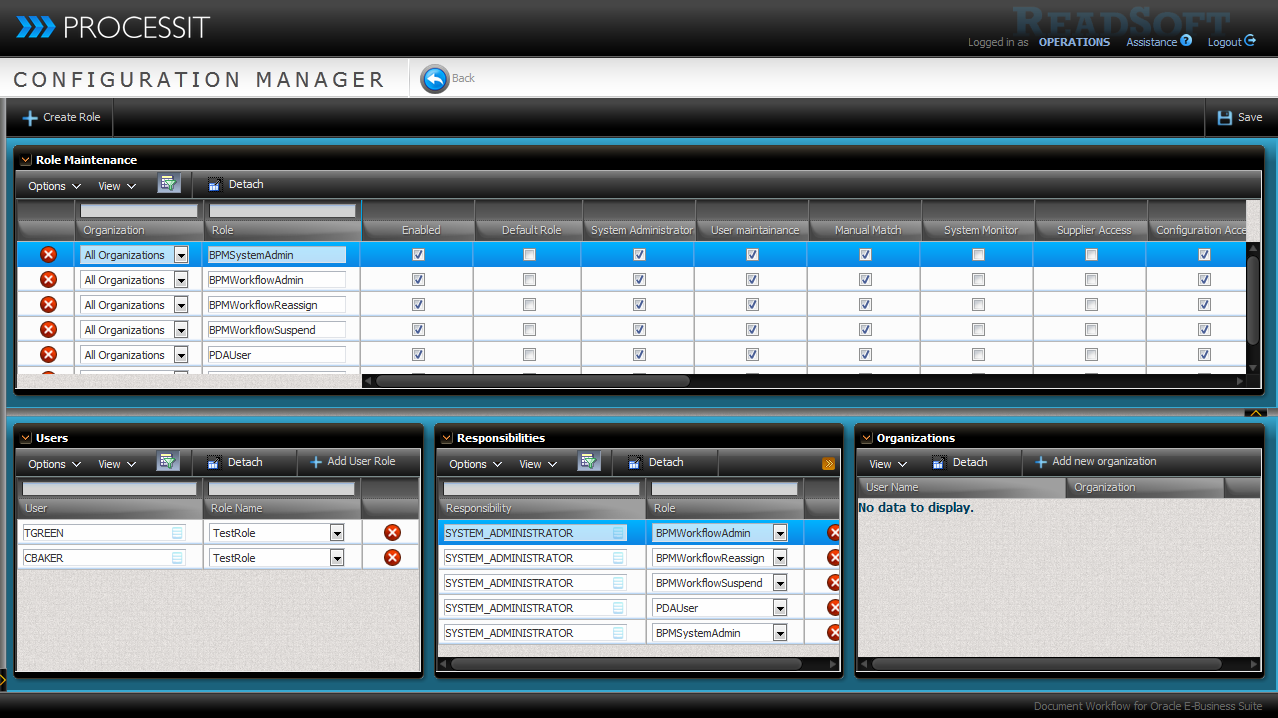
Roles, responsibility and user management.
Applicationa access control
Read the help topic about User Maintenance