Oracle Setup Reused
Purpose
Knowing what Oracle setup is reused by the application. Learning how PROCESSIT adapts to the Oracle E-Business Suite settings.
Learn how PROCESSIT adopts the forwarding hierarchy and users set up in Oracle E-Business Suite.
Learning what periods, account codes, purchase orders etc that PROCESSIT reuses
Audience: PROCESSIT administrators and end-users requiring an in-depth understanding of application configuration.
Oracle Hierarchy and Approval Routing
Human Resources with purchasing
Share Job and Position, for example Job | Director | Position | Director of Development.
Approval Hierarch
Either position hierarchy or Employee/supervisor relationships.
Approval Routing
Either Direct method or Hierarchy method.
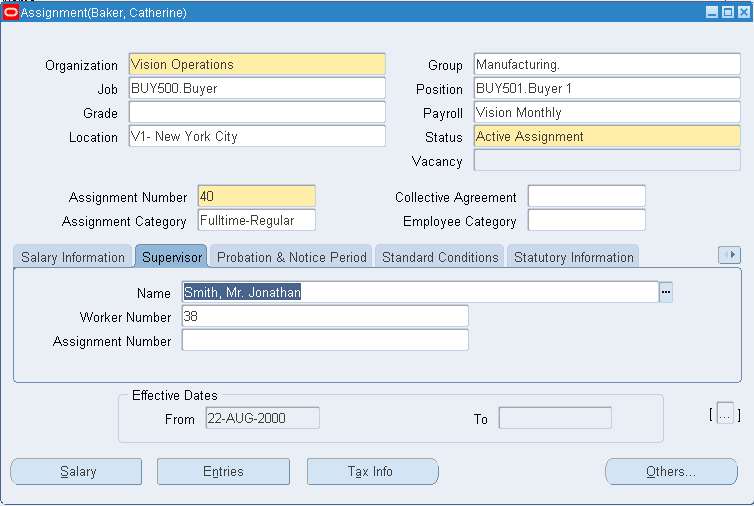
Approval Forwarding Method
To set the Invoice notification forward method configuration
Navigate to Document Types → and select a value for the field Forward Method.
Direct: Routes documents to the first employee with sufficient approval authority
Hierarchy: Routes documents to the next person in the approval hierarchy or reporting infrastructure regardless of authority
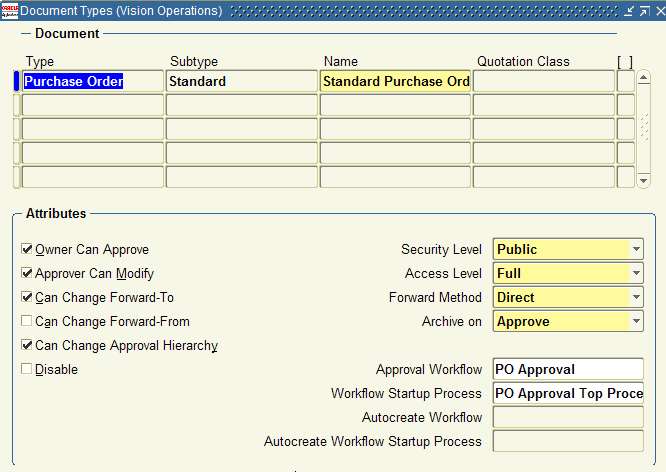
Invoice notification approval hierarchy setup
Navigate to Financials Options → Human Resources and select the appropriate Business Group.
Enable or disable Use Approval Hierarchies:
- Enabled - Position hierarchy
- Disabled - Employee/supervisor relationships
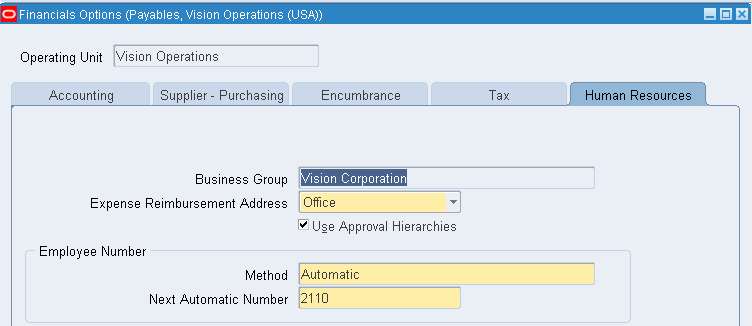
Job & Supervisor / Job & Position setup
Oracle fields used by PROCESSIT if Employee/supervisor relationships
- Job
- Approval Group
- Supervisor
Oracle fields used by PROCESSIT if Employee/supervisor relationships
- Job and Position
- Approval Group
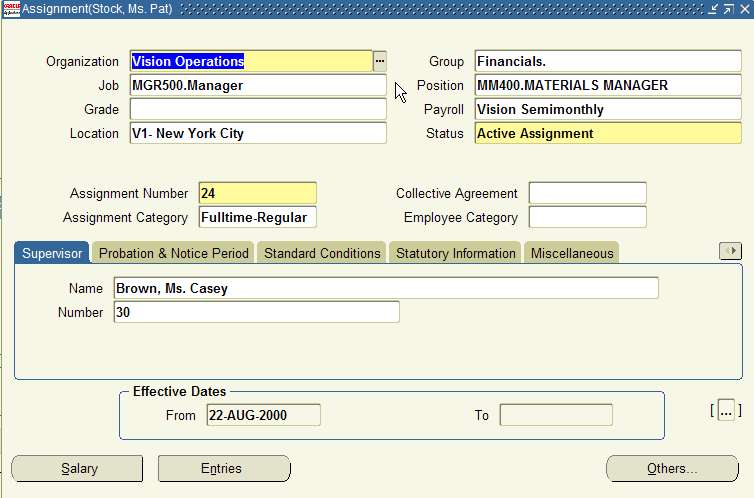
Approval Groups
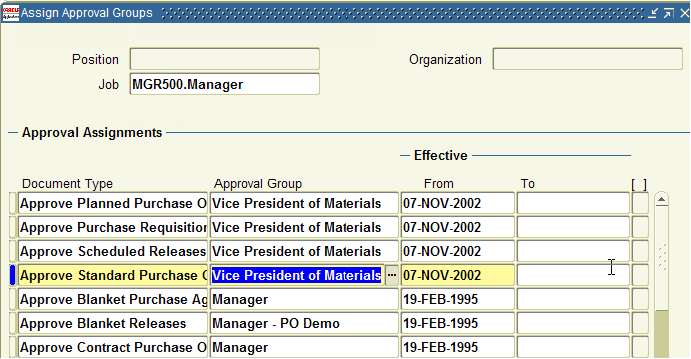
Assigning Approval groups to Job or Job/Position
Navigate to Assign Approval Groups, select a Document Type, and set the Approval Group value.
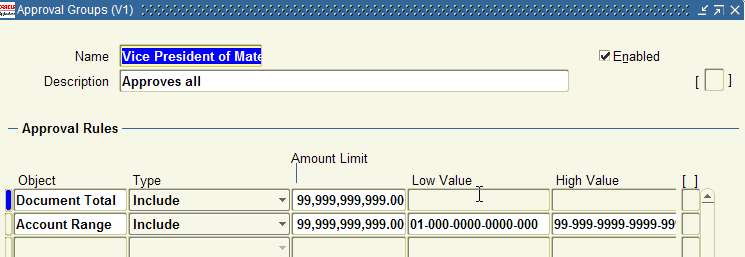
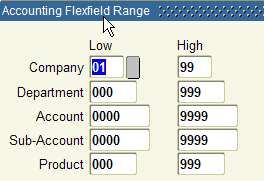
Configuring Approval Groups and flexfield range
Navigate to Approval Groups, and specify an Accounting Flexfield Range.
User Responsibilities
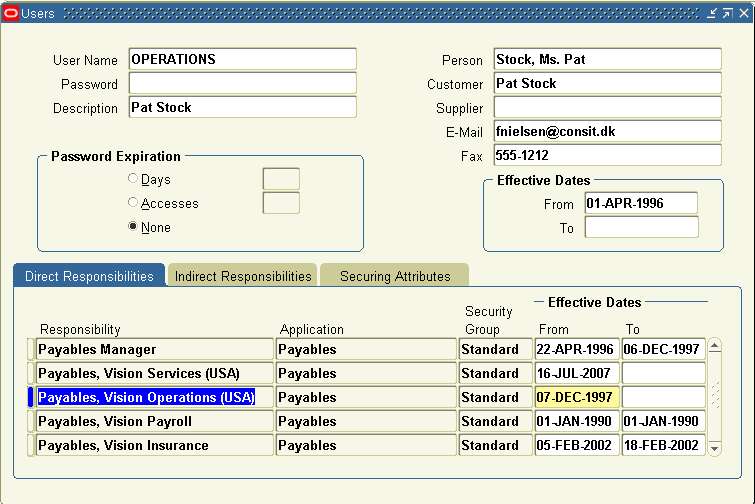
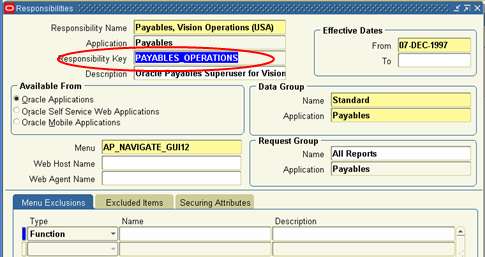

Current Oracle Jobs run by PROCESSIT
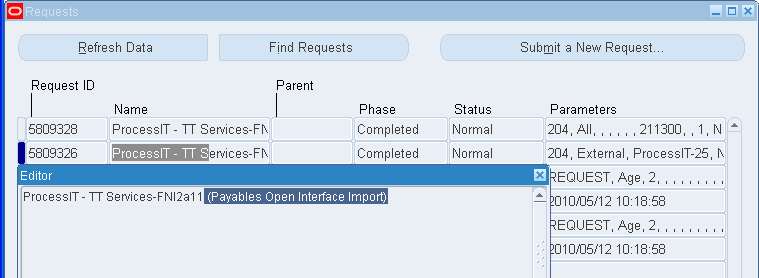
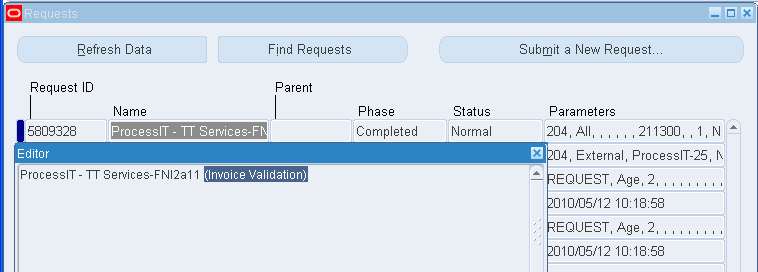
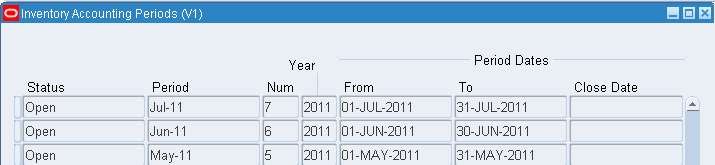
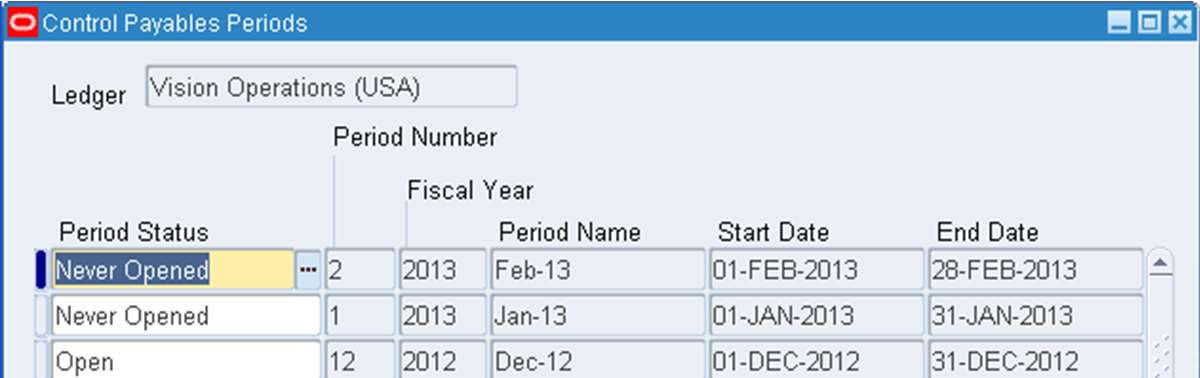
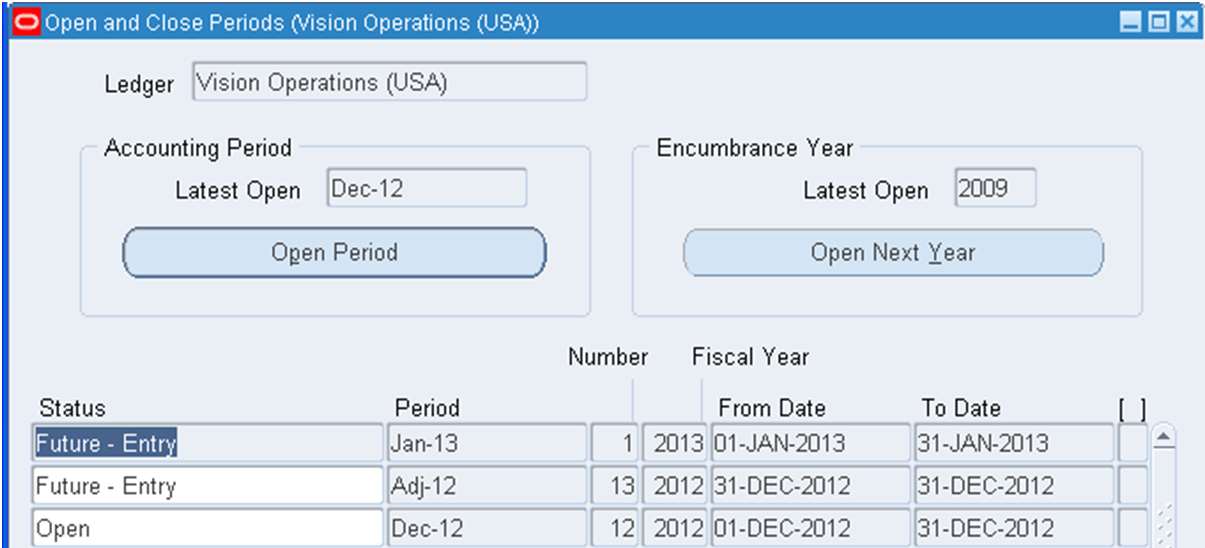
Reused Oracle Payables - Examples
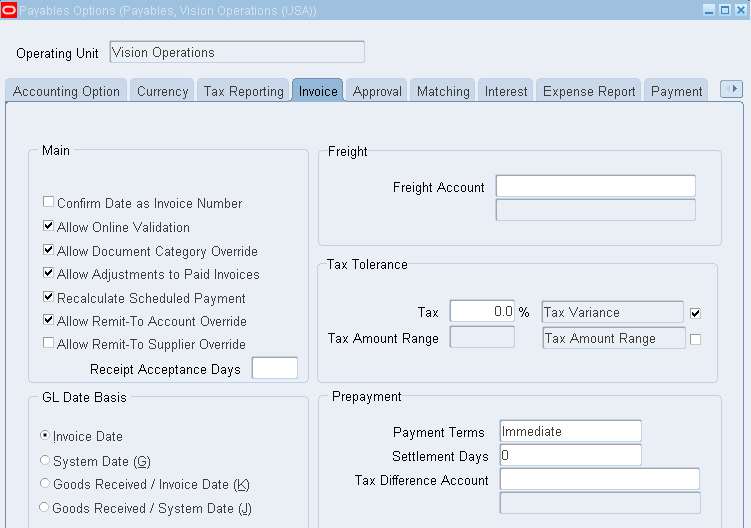
Period Settings
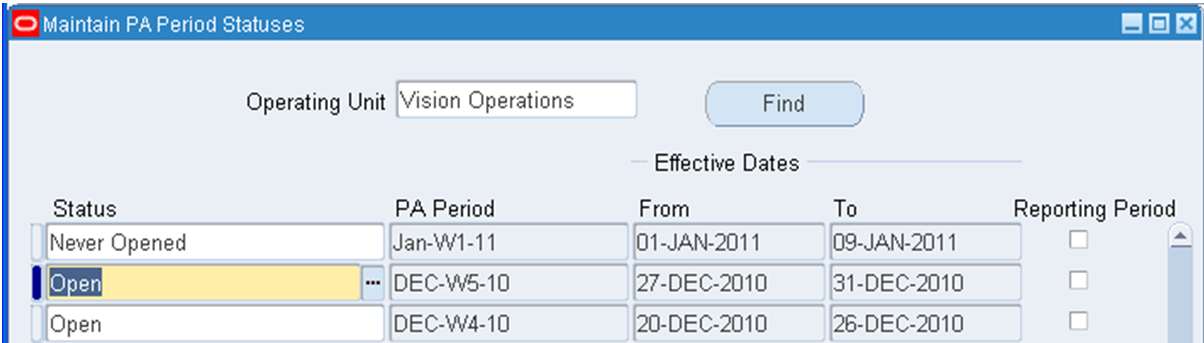
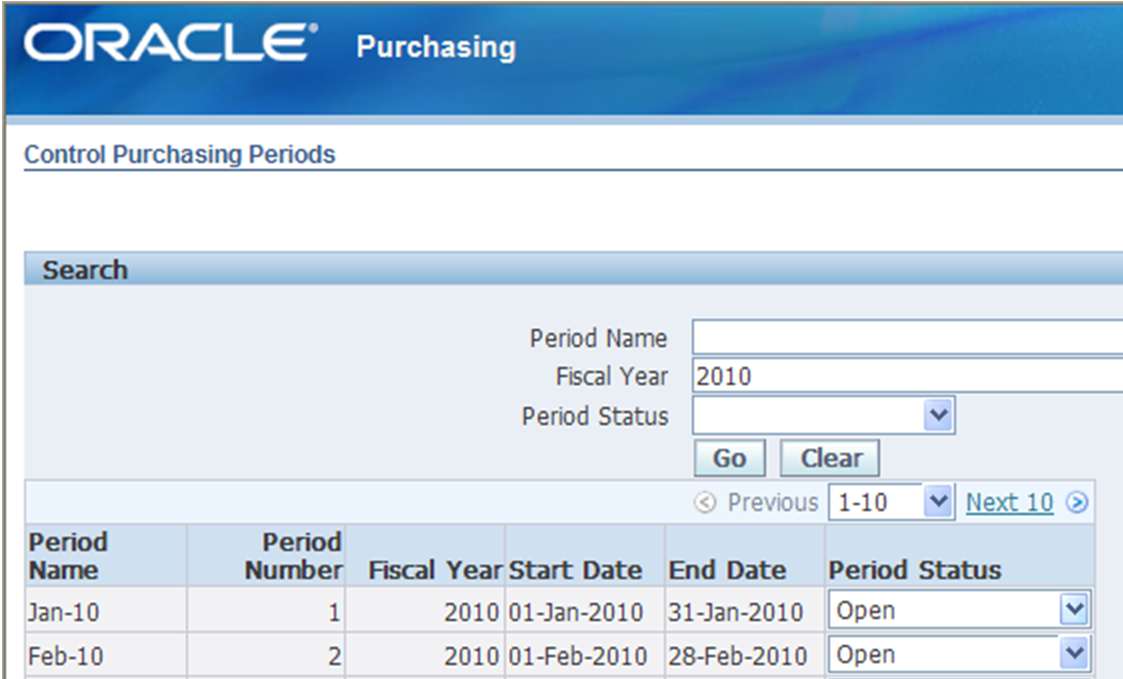
Purchase order and Release Settings
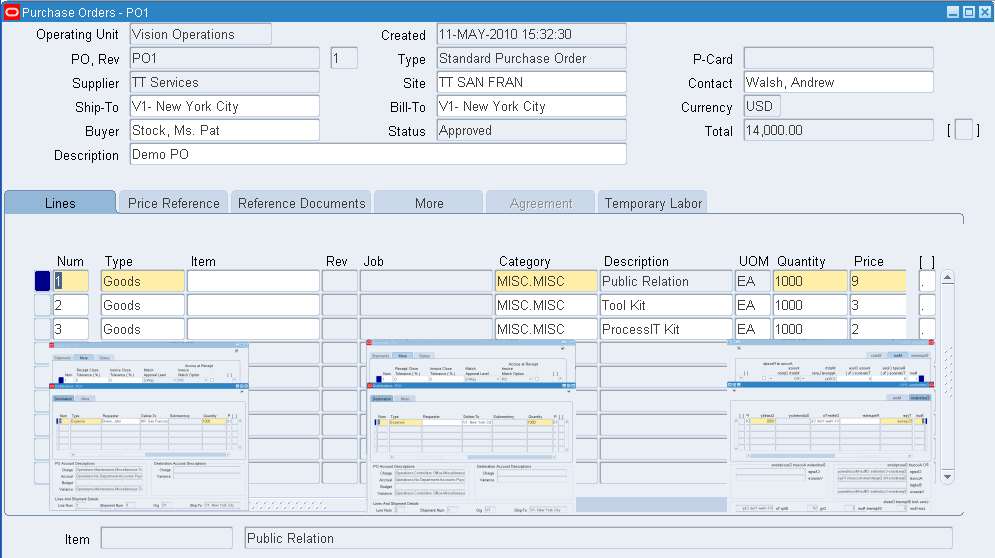
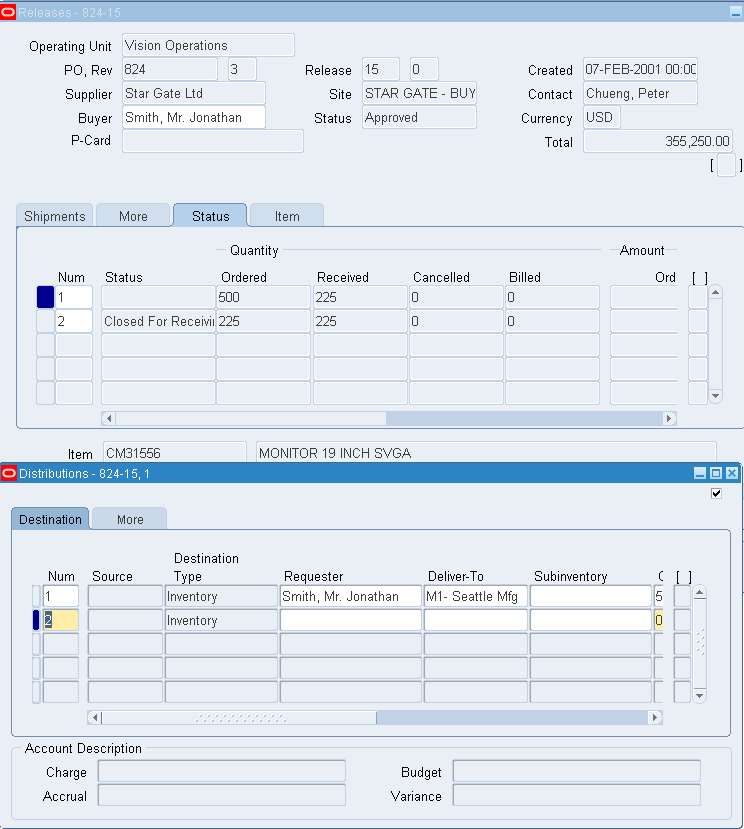
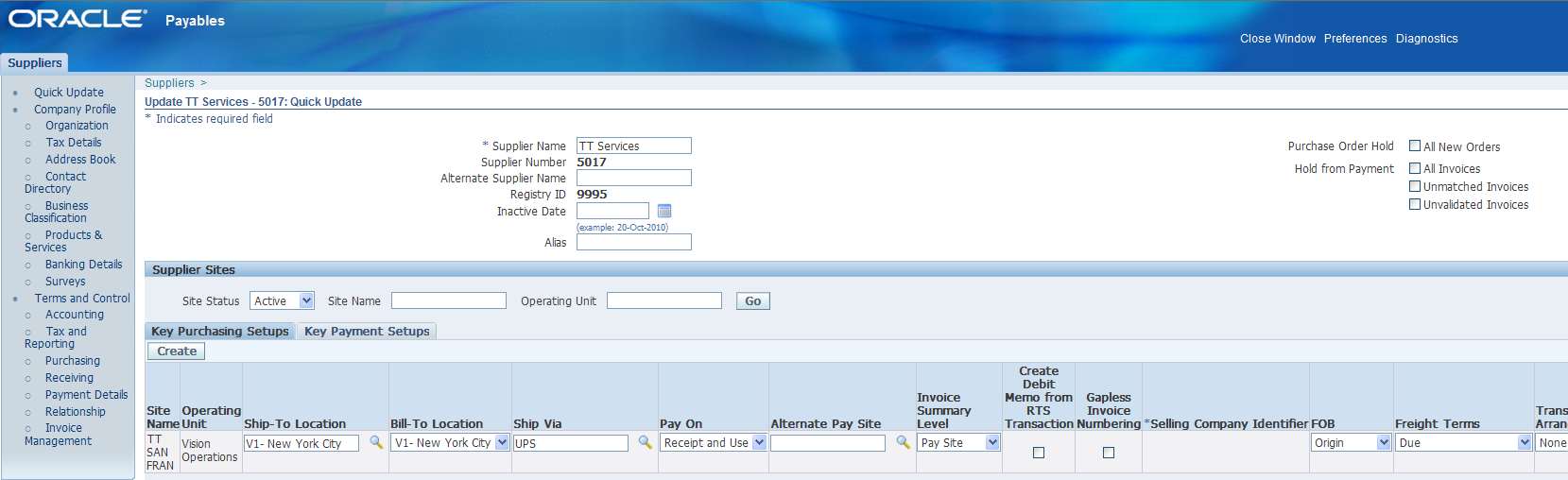
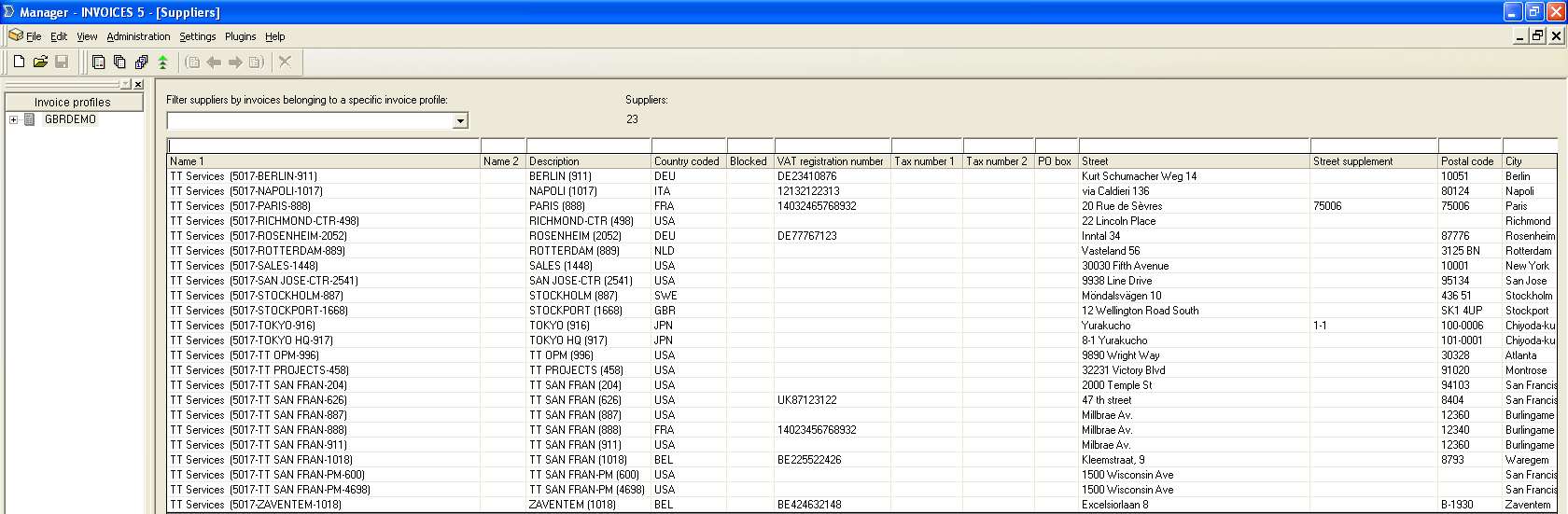
Supplier Properties used as Masterdata
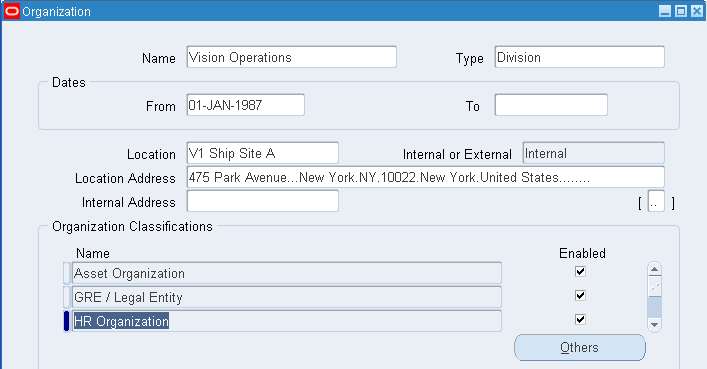
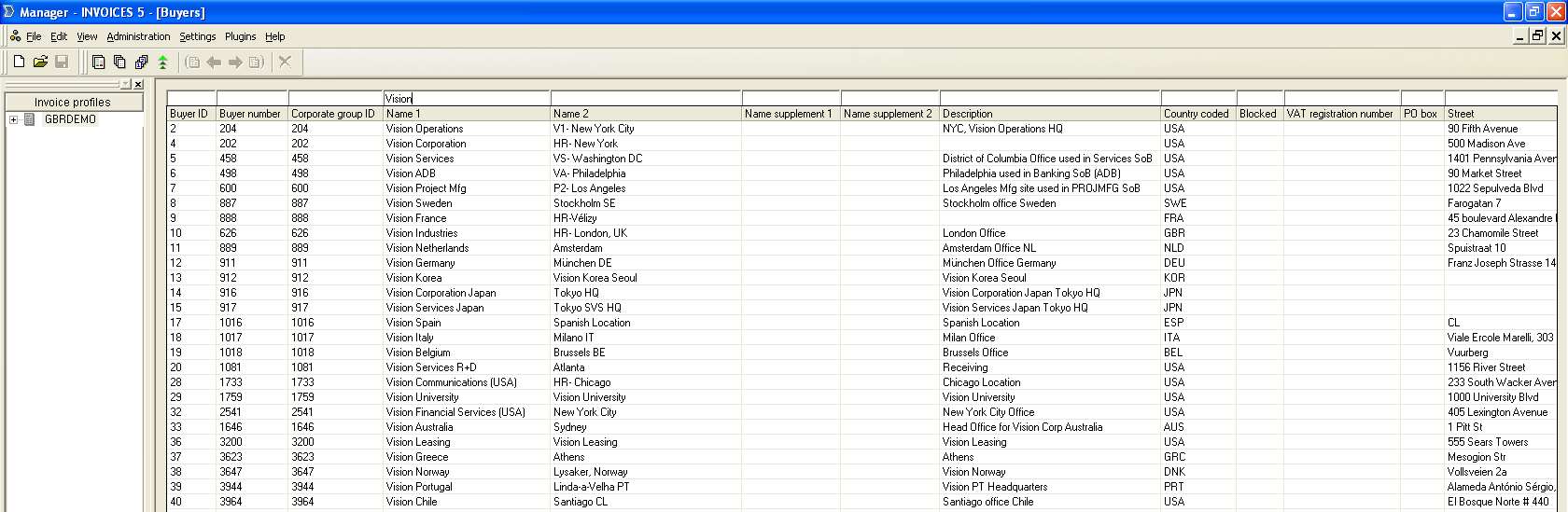
Organization Masterdata reused
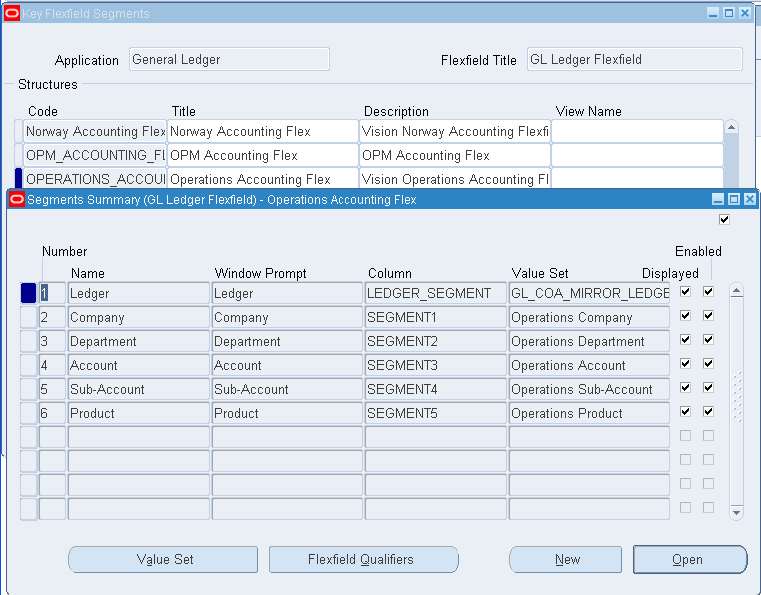
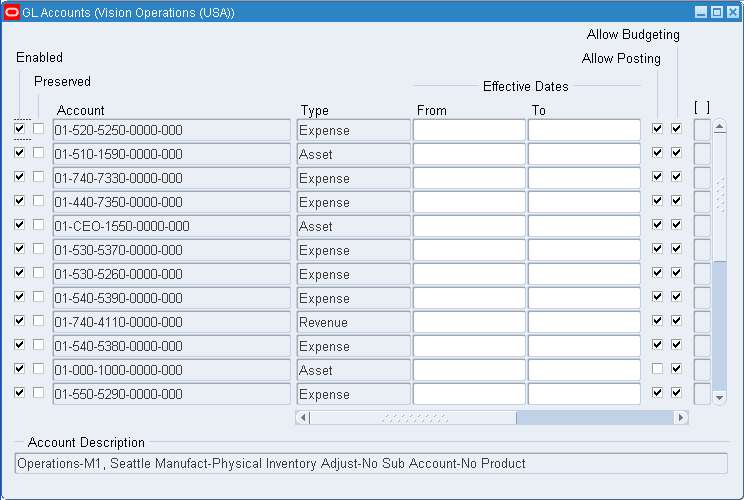
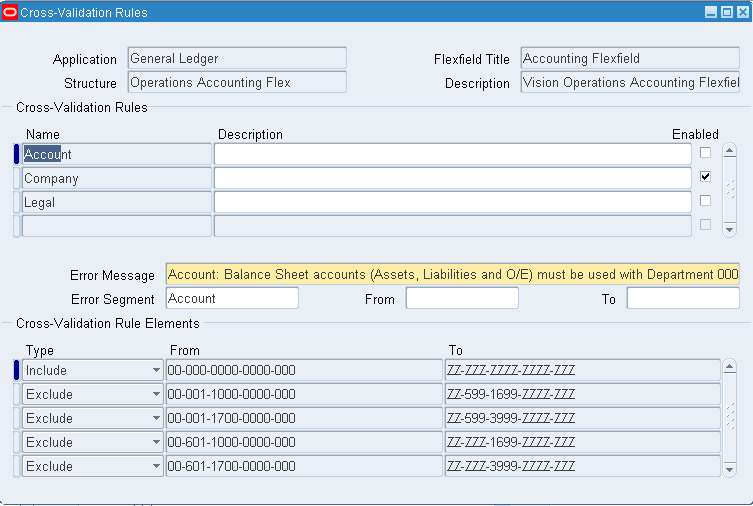
Ledgers, Accounts and Cross Validation
E-Tax Settings reused during Import
Oracle Project Settings