Kofax SignDoc Standard 2.1.0 - Online Help
Delete a team
Note This functionality is only available when the accessing SignDoc Standard user has team manager role for this team or is an account administrator.
1.On the top navigation bar click Teams.
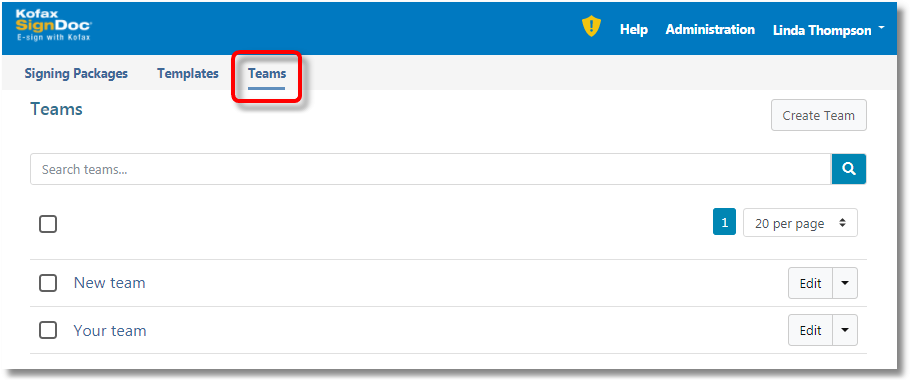
2.Click the Edit button for a team.
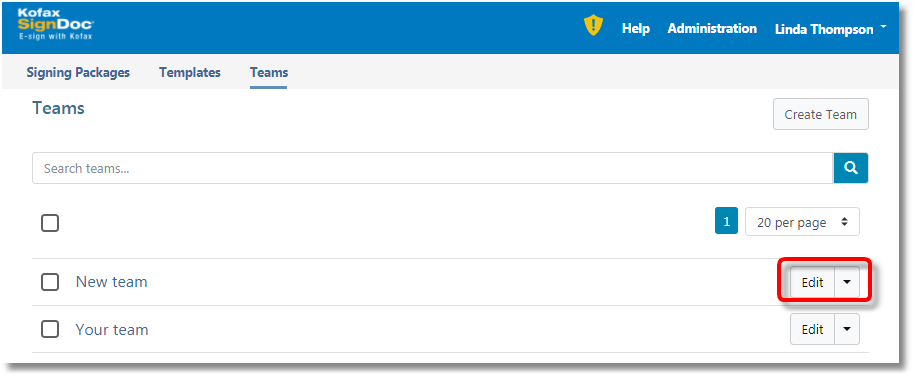
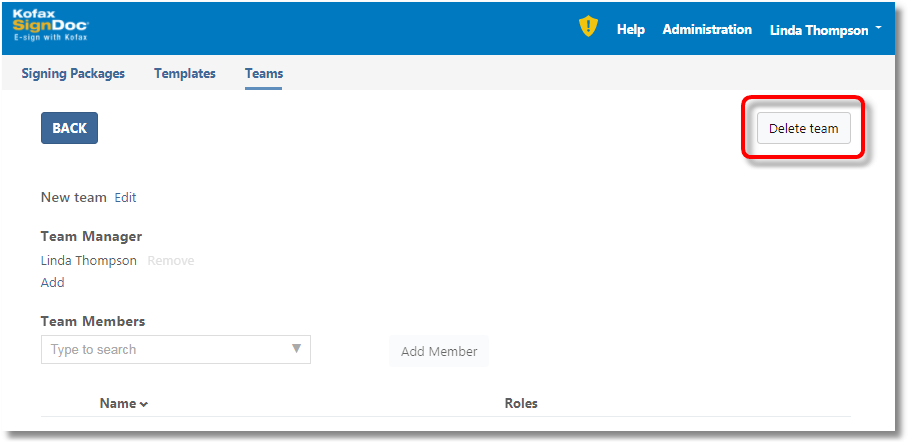
3.Click the Delete team button.
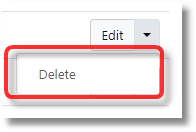
or open the dropdown menu near Edit and then click the Delete button.
4.After the team is removed from the list of teams, return to the Teams page by clicking the BACK button.