Kofax SignDoc Standard 2.1.0 - Administration Center Online Help
Enable and configure the plugin
After you have refreshed the client, it will show two new settings:
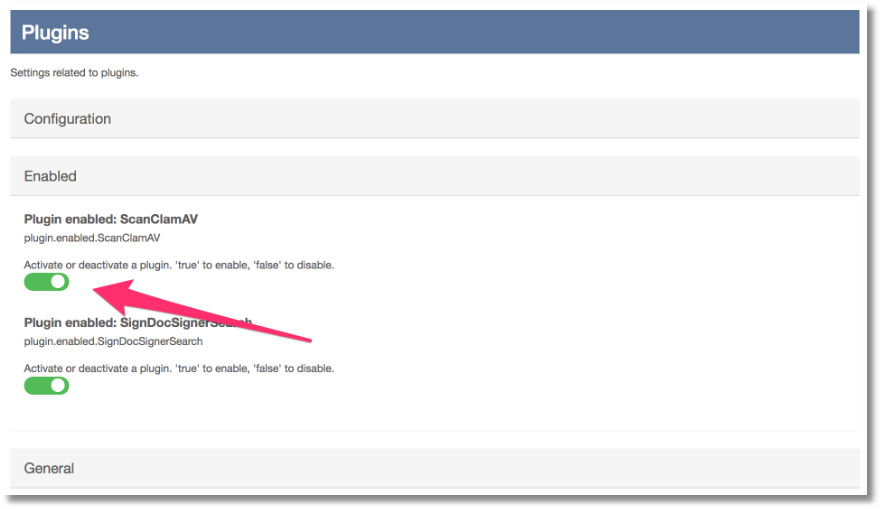
•Plugin enabled: ScanClamAV in the Enabled section
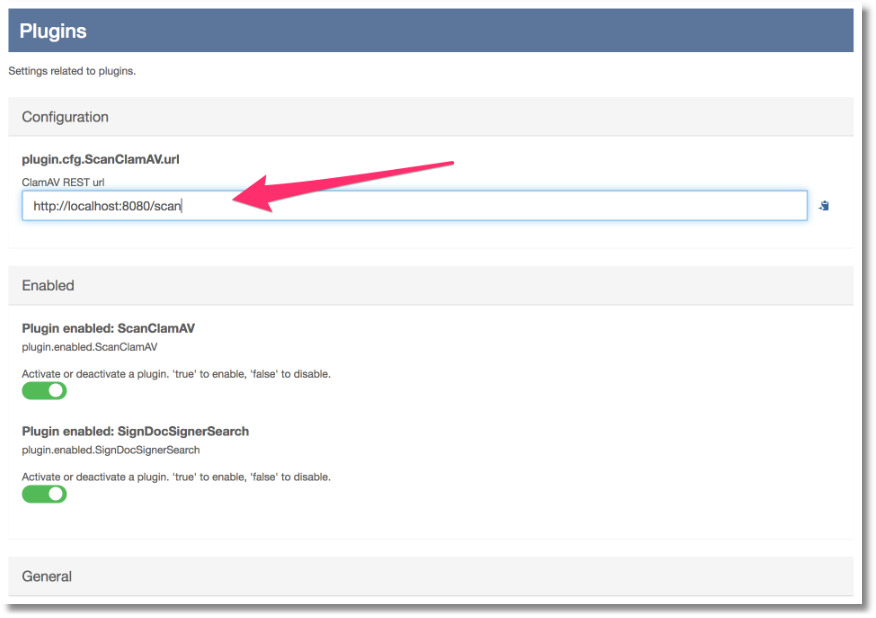
•plugin.cfg.ScanClamAV.url in the Configuration section
Slide the Plugin enabled: ScanClamAV setting to on:
Set the URL to point to the URL of the ClamAV server you are running by editing the URL setting in the Configuration section:
Save the settings by clicking the Save button.
The plugins will be reloaded and an instance of the ClamAV document scanning plugin should now be running, available for all accounts on the system.