Job object
This method can be used to inform FORMS which type of form is about to be identified. You can tell FORMS which form definition(s) to use when trying to identify the form. Note that FormDefName must be a name of a form definition specified in the current job settings. Use the method once for each form definition name.
The method only has an effect when used in the JobFormIdentify event, unless you use it with KeepExternalValidFormDefs and ClearExternalValidFormDefs. Then you can use it in JobStarted or BatchLoaded, for example.
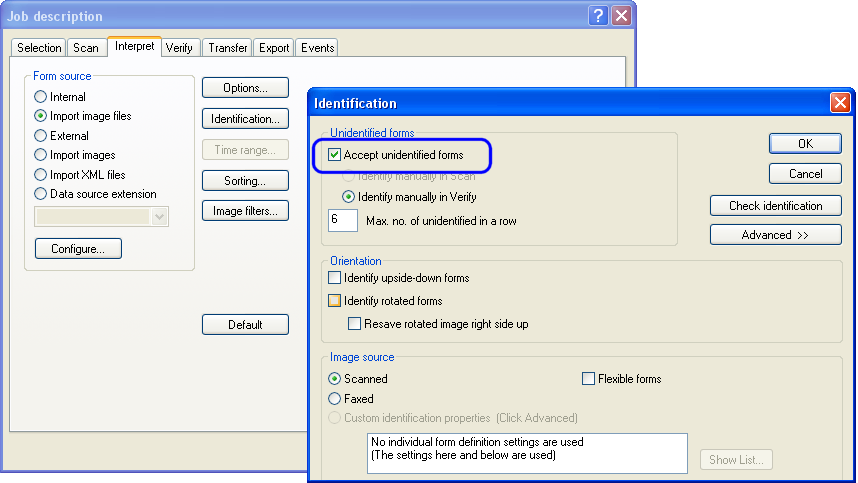
If this method is used just once, the given form definition is assigned to the form, whether or not FORMS recognizes the form. However, this requires that your job description allow unidentified forms to pass through Interpret. The setting for that is . Access it by clicking on the tab of the dialog.