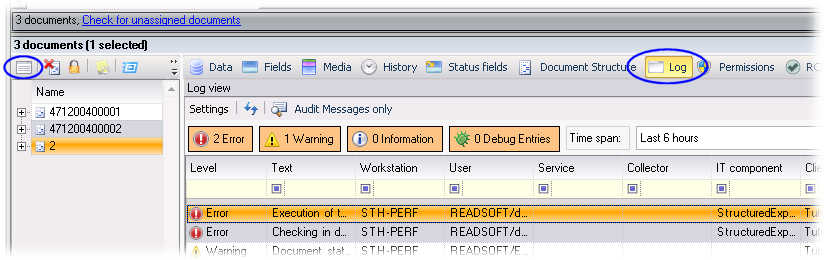
Log Explorer plug-in
This plug-in is used to display log messages that the XBOUND server or the XBOUND applications write to the logging database.
Before you can display log messages, you must set up logging or activate audit trail messages.
Then you can create a log view and customize it.
Now you can retrieve log messages and view log message details.
You can filter
and sort the results in various ways, and you can store these settings
in individual log views.
You can also use the Log Explorer for:
The file name of this plug-in (in case you need to add
it to the XBOUND Management Center, for example) is xboundPlugInLogExplorer.dll.
Tip: Plug-ins such as the Process
Monitor also use Log Explorer views, for example in the view. ( Show me.)