Creating a client
Documents always go through a process.
In XBOUND, processes can (and must) be created in the context of a client. A client is a logical arrangement of processes that belong together. You could create one client for the processes of a particular customer and another for developing or test purposes, for example.
 Example: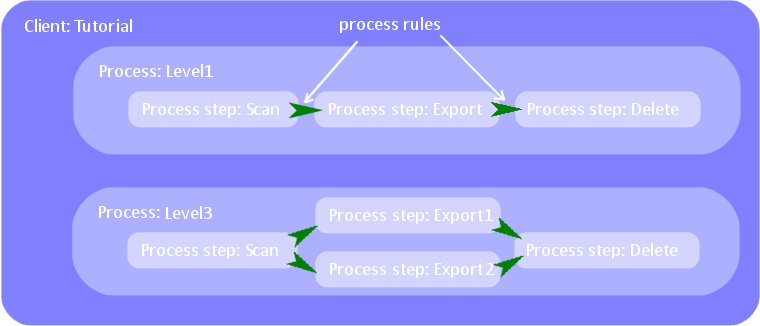
Use this procedure to create a client:
Using the XBOUND Management Center, open a console containing the Process Designer.
In the Process Designer, select >.
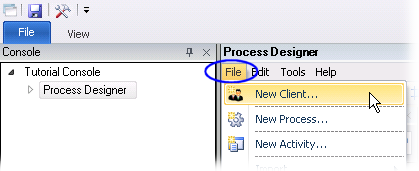
In the box, type a descriptive name.
Click .
Optional: Add a design comment.
You can see the new client under . The next step is typically to create a process. You can also copy processes between clients.