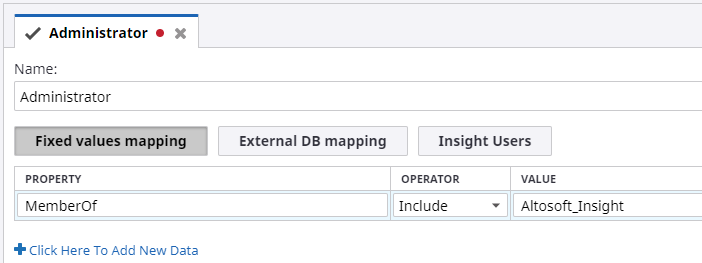
Administrator role
When you create an Administrative database, an Administrator user and Administrator role are created automatically. The default Administrator role is automatically assigned to the Administrator user.
The Administrator role gives the access rights to all the Insight applications (Studio, Data Loader, Themes and Formats), along with projects, data sources and project documents (metrics, records, translation tables, Views, reports, and more).
To open the Administrator role, select , expand Roles, and then click Administrator. This is the default Administrator role.