Document view
When you are inspecting or verifying documents using the Production module, this view displays a full image of the thumbnail in focus, including the fields that sthe page contains ( see example). The selected thumbnail and its corresponding page in the document view both have a blue-green border.
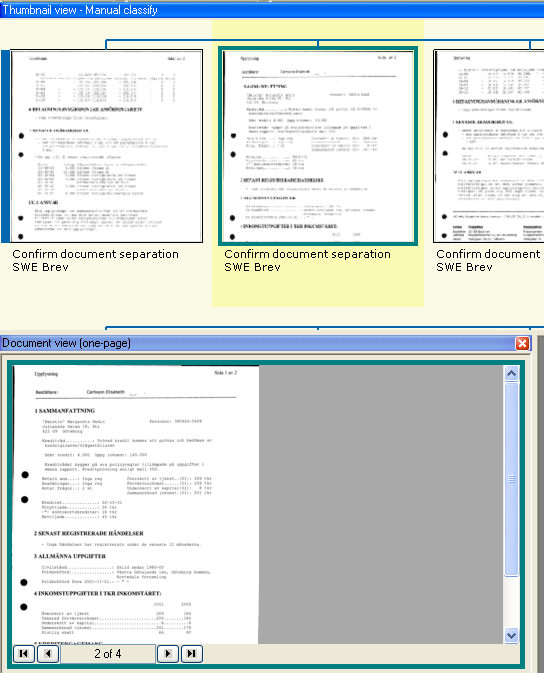
When a page is double-sided, the blue-green border of a front/back page is open on the right/left in order to show this.
A thick blue bar on the left/right side of page indicates that it is the first/last page of a document, and a thick dark red bar indicates that this is the first/last page in a compound.
This view is helpful for manual classification during Inspect and for displaying the position of extracted fields during Verify.
To get a better view of the current document, you can:
-
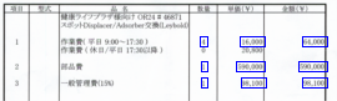
Select > to clearly display the fields that were extracted.
-
Select > to clearly display which fields were used to classify the documents.
Changing how the Production module looks when you verify documents
Changing how the Production module looks when you inspect documents