The Table view
To access this view: Select > .
Use the when verifying table fields.
The column labels (column headers) and the number of columns depend on the table field specification.
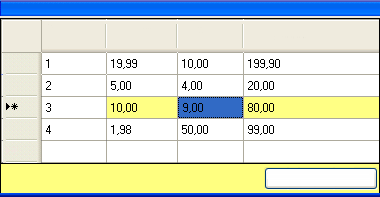
Item quantity
Unit price * quantity does not equal amount
Each cell in the table is color-coded to show the status of the field:
|
|
No validation or format errors. |
|
|
Current selection (with or without errors). |
|
|
Field validation or format error. |
|
|
Row validation error. |
Retains the row values and overrides the validation error. This allows you to approve the document. The row validation color changes to white.
Tip:Running the DOCUMENTS Knowledge Store Service improves extraction of data from fields, and makes verifying them easier.
See Verifying fields using Knowledge Store.
Generating table field values in Verify