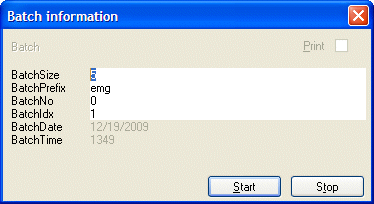
When you are scanning batches, at the start of each batch the batch data is displayed in the Batch information dialog.
You can change some of the values before you start the batch. What you change, and the values you should type, depends on how your company uses this dialog.
To change a value, delete the displayed value and type your new value. The new value must have the format specified in the batch report layout file, or if one is not used, in the standard batch variables.
To scan a batch that has 32 pages, type 32 next to BatchSize and then click Start. Do not include appendices when you count the number of forms in a batch.