Kofax SignDoc Standard 2.1.0 - Online Help
Agree with electronic signing
Signers and reviewers must confirm the use of electronic documents in order to view and sign them.
•The e-sign consent can be downloaded and printed.
•The NEXT button on this page is disabled as long as the agree check box is not checked. After that, the NEXT button is enabled.
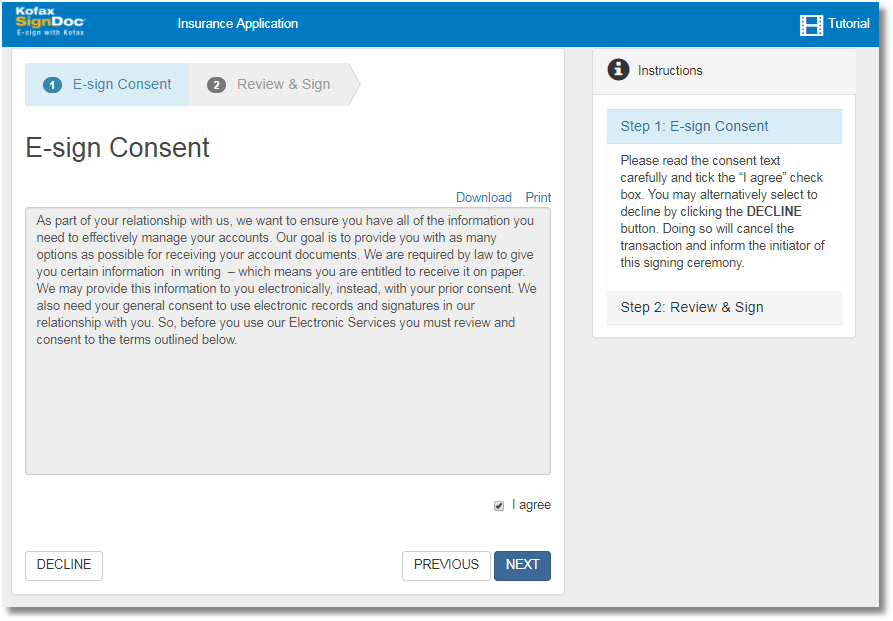
The signer has to read the "E-sign Consent" text included in the scrollable region read carefully.
Ticking the I agree check box enables the NEXT button. The recipient will be directed to the Review & Sign page.
By clicking the DECLINE button the transaction will be canceled and the initiator of this signing ceremony will be informed about this decision.
Note In case of a common signing session the signer needs to accept the signing consents only once per session.