Open documents and check credentials
From the email with the e-signing request, open the documents to be
signed or reviewed. Click
Open Documents.

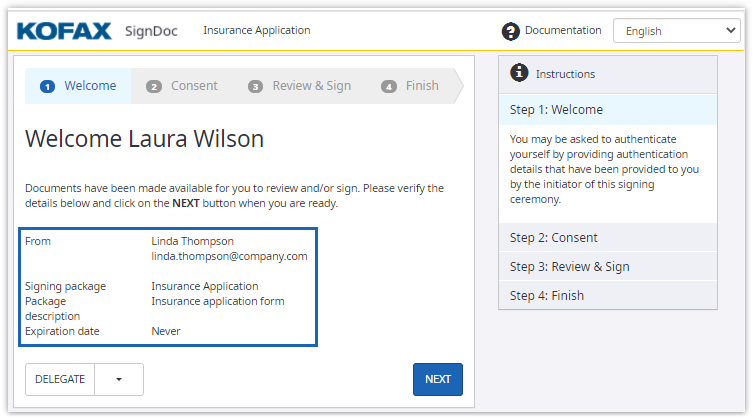
On the Welcome page, verify the credentials. Make sure the documents are intended for you.
If the signing package creator admitted the delegation of the signing
session, you can click
Delegate to send the
documents to another person for signing.