
Create an account
On the Manage accounts page, click Create account to create an account.
Insert the Account ID and the Account name of the new account and click Install license. Select the license file for the account.
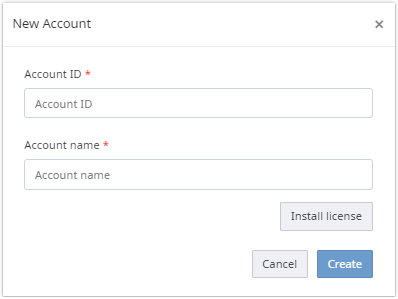
Click Create.
The account ID should be unique to the server.
A new account is created, and you are taken to the account area.
When a global license is used, no additional license is
required when creating an account and the
Install license button is not
available.