
Create a team
This functionality is only available when accessed by a SignDoc Standard user assigned to the account administrator role.
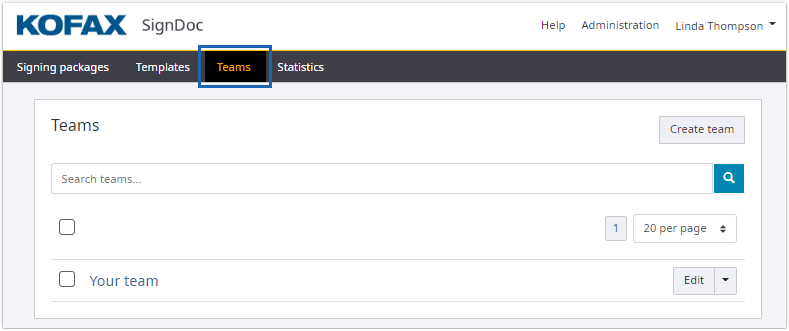
- On the top navigation bar, click
Teams.
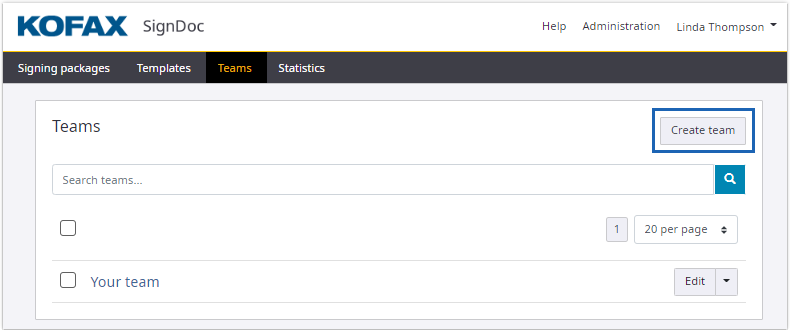
- Click
Create team.
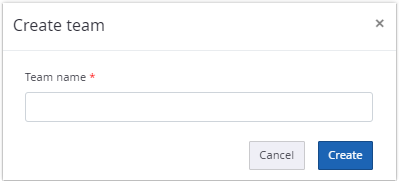
- Type the team name and click
Create.
The team name can be changed whenever the team is edited.
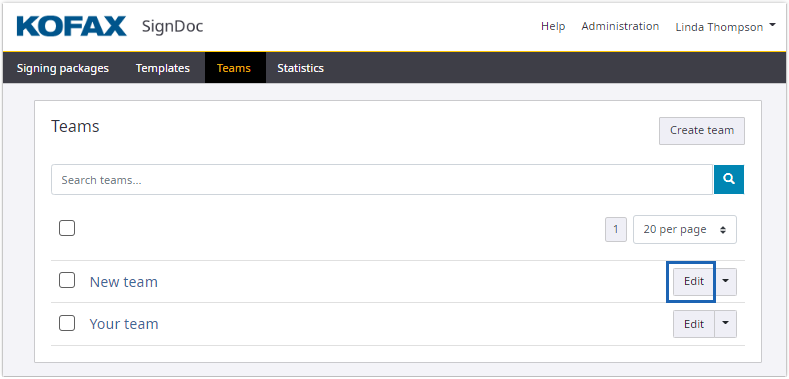
When clicking
Edit for a team, a menu with
options for additional changes is displayed.
- Define a team manager. The account administrator creating the team is
set as default. Add a
SignDoc Standard
user as team manager.
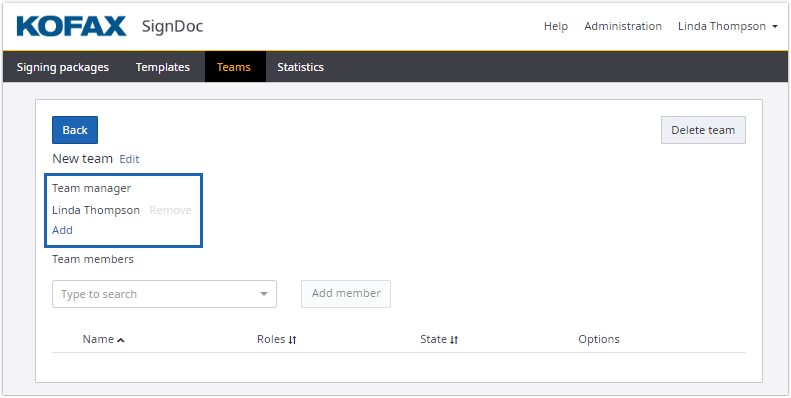
When adding a SignDoc Standard user as team manager, the user will receive an email notification.
- Add a
SignDoc Standard
user as a team member.
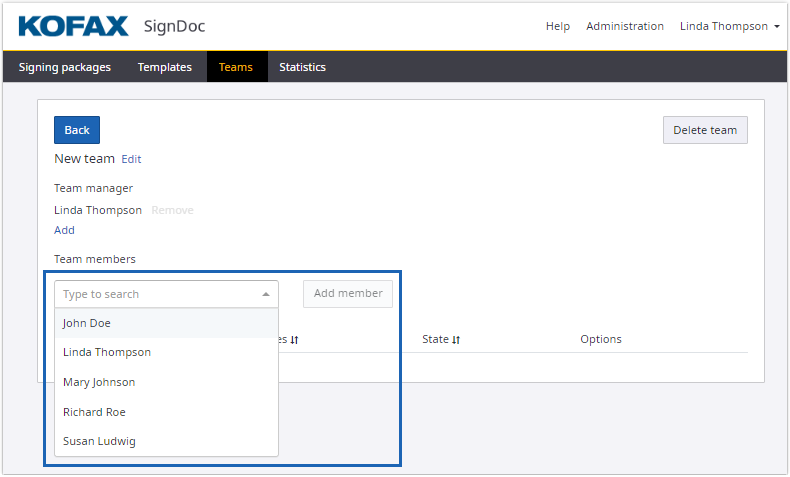
- After completing the settings for the team, click Back to return to the Teams page.