Global license
SignDoc Standard supports the following license models:
- Account license
For each account, a different license is required. For a description of the account license type, see Account license.
- Global license
One license is used for existing and future accounts.
- License server
Can be configured for each account (see Account license) or globally for all accounts in System settings.
Global license
To install a global license, open the Administration Center, log in as a server administrator, go to the System settings link, and select the Global license category.
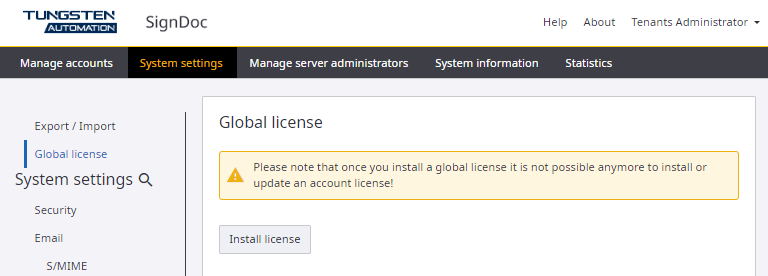
Click Install license to browse to and select a license file.
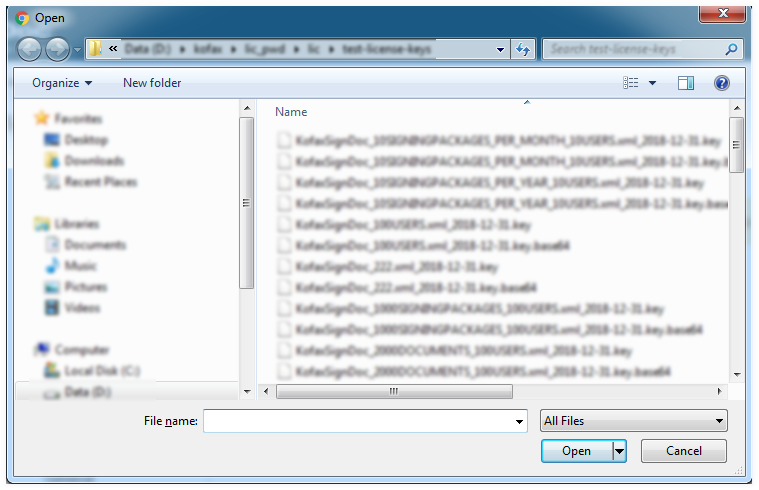
After selecting a license file, click Open to upload and install the license.
Once installed, the license information and the license usage are displayed.
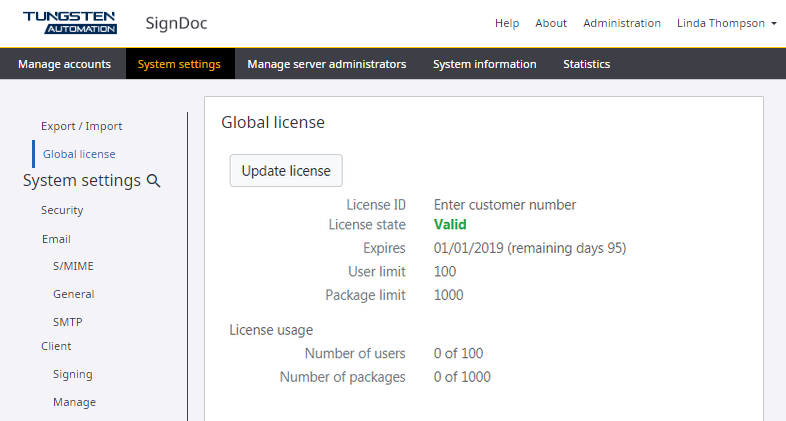
Use the Update license button to replace the global license.
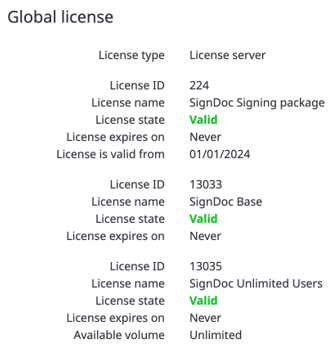
License server
When this license type is configured globally via System settings, the metrics are shown in this view.