
Recovery Mode Session ID
If you find issues logging onto TotalAgility with the configured authentication provider, you can use the TotalAgility Advanced Studio recovery mode as a workaround to correct the authentication provider or federated security settings.
The Recovery mode session ID is available in the TotalAgility Advanced Studio at . Refer to "Change the recovery mode session ID".
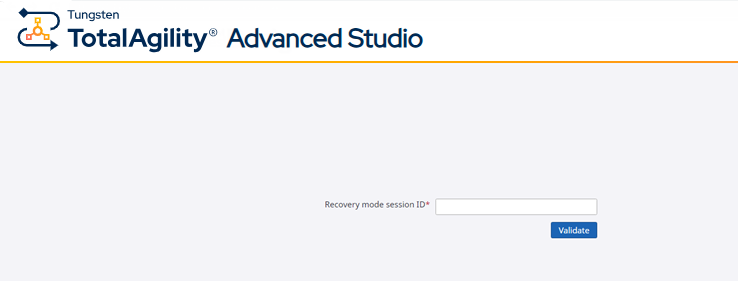
To specify the current recovery mode session ID, do the following:
-
Browse to the following URL:
http://<TotalAgilityServer>/TotalAgility/designer/#/logon/recovery
-
Enter the session ID (taken from the
TotalAgility Advanced Studio
system settings) in the
Recovery mode session ID box and click
Validate.
- Log in with a username and password.