
Border radius
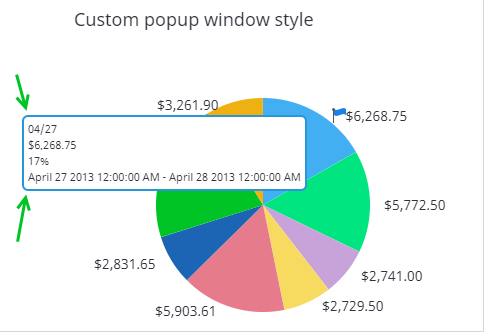
Use the border radius to define how rounded the border corners are for
different components. By default, the border radius is
0
pixels, which means the borders are not rounded. The higher
the value is, the more rounded the corners are.
- On the Documents Tree, navigate to Themes.
-
Select the theme, navigate to a border style (indicated by
B) and click the
Edit icon.
The Border Style Editor window appears.
- Set a value (in pixels) for Radius, and click OK.
- Save the theme.