
Load data
"Load data" is a process to load historical data into the data mart and prepare the baseline for automatic updates. The Load data function can also be used to add new historical data into the data mart that was not collected in a previous data load.
-
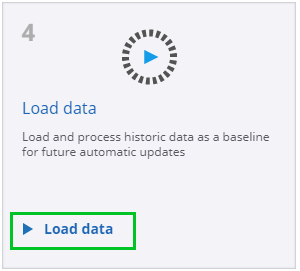
On the
Guide screen, select
Load data.
-
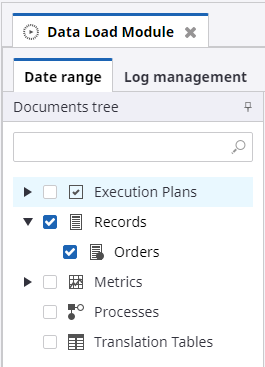
Select
Records, and then select the
Orders record.
-
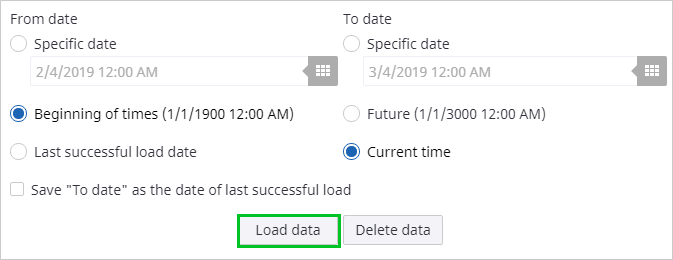
Set the
From date to
Beginning of times and the
To date to
Current time. Click
Load data to start loading data into the data mart. The time required for a data load depends on
the speed of the database, as well as the number and complexity of the processed records.
-
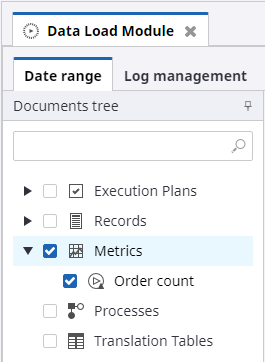
Select
Metrics, and then select the
Order Count metric.
-
Set the
From date to
Beginning of times and the
To date to
Current time. Click
Load data to start loading data into the data mart. The time required for a data load depends on
the speed of the database, as well as the number and complexity of the processed records.
-
After the data has been loaded, a summary of the data load can be viewed in the bottom section of the screen. The
summary shows that the data has been loaded successfully.
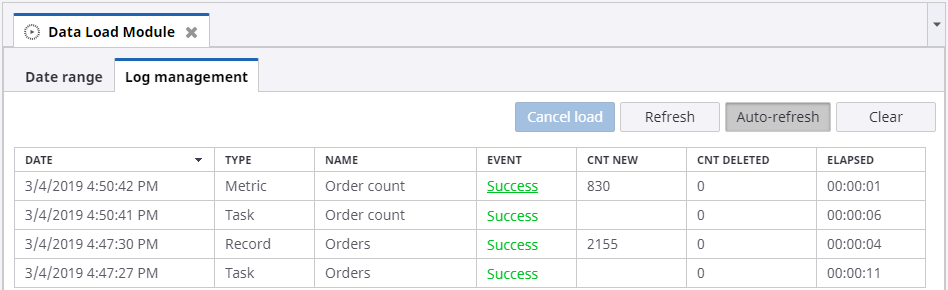
Now you can proceed to designing a dashboard to view your newly created and processed metrics. Return to the main guide screen by clicking the Guide tab.