
How to add an SNMPv1 configuration
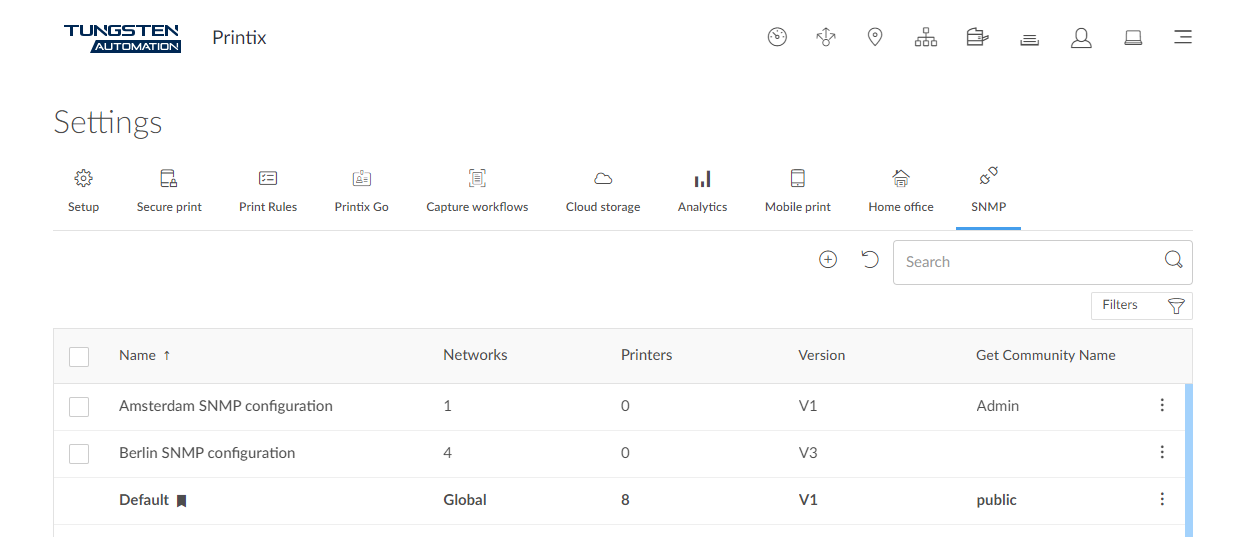
-
Select
Menu
 .
.
- Select the SNMP tab.
-
Select
Plus
 to start adding a new SNMP configuration.
- Select Version 1.
- In Configuration name, enter a name for the configuration.
- In Get Community Name, enter the community name exactly as it is on the printers.
- In Set Community Name, enter the community name exactly as it is on the printers.
-
In
Networks:
-
If the configuration should be assigned to all networks, set it to Global.
-
If the configuration should be assigned to specific networks only, select Select, then select the appropriate networks.
-
- Select Save.