
Subscription
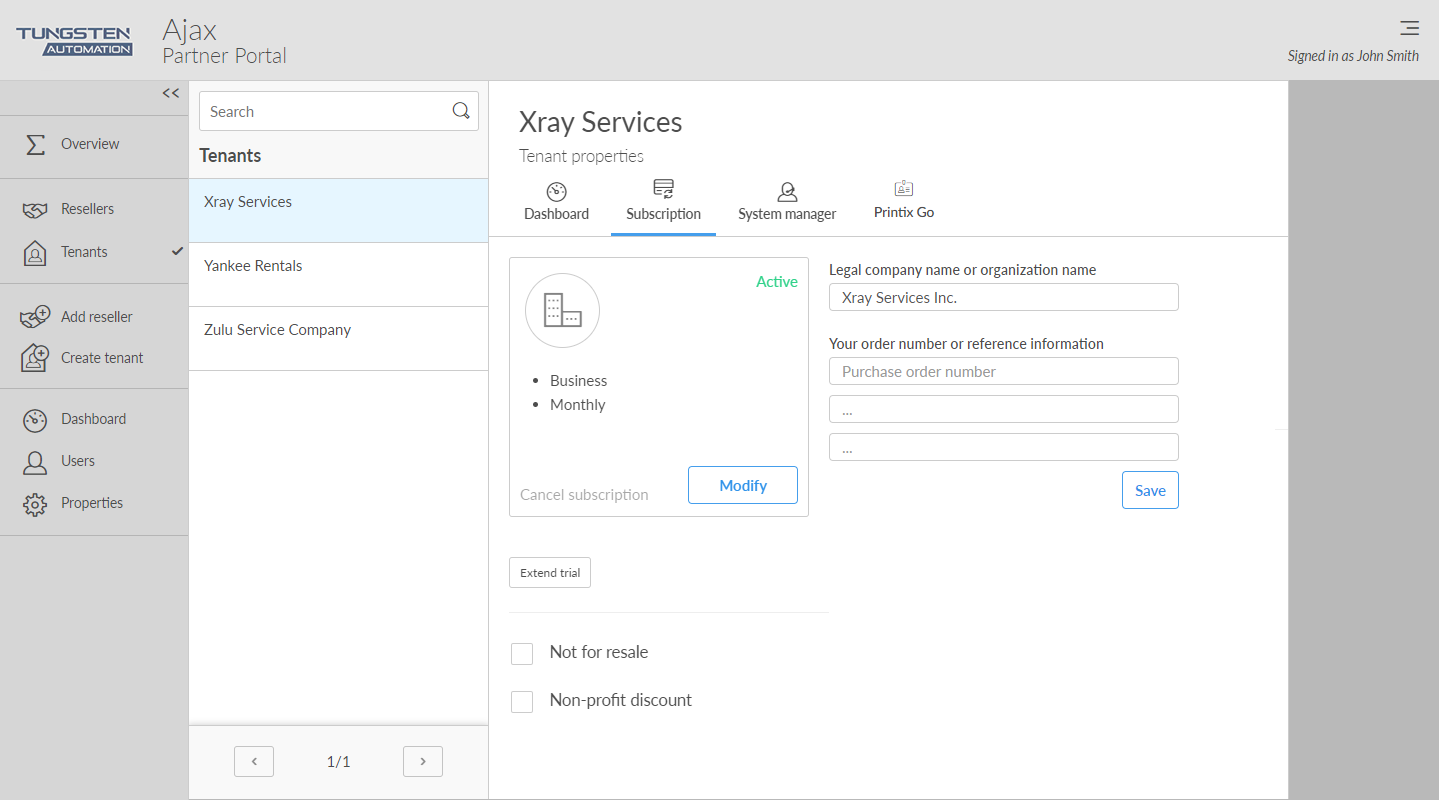
On the
Subscription
 tab, you can see the status of the
subscription.
tab, you can see the status of the
subscription.
Plan
-
Business model
-
Business
-
Education
-
-
Billing frequency
-
Monthly
Monthly is the default setting and the tenant will be added as a line item to the partner's monthly aggregated invoice.
-
Annual
If a customer prefers to purchase with annual upfront payments, the partner can order an annual subscription. The invoice is afterwards distributed to the partner through email.
-
-
For a Business+Annual plan, you are required to enter the number of Users to access the Printix service.
For an Education plan, you are required to enter the number of Staff to access the Printix service. Students are free.
-
You can change subscription ONLY if the current plan is Monthly. Otherwise, the Modify button is hidden and you should contact Product Support. We need to know the name of the tenant and what the new plan should be.
Your order number or reference information
The text you enter will appear on your invoice. You can for example use it to enter your order number.
See also:
Trial
-
Created
The date the tenant was created.
-
Trial ends
When the trial will end/ended.
Dates are in the format YYYY-MM-DD. Example: 2021-12-31
Options
-
Select this to extend the trial with one month.
-
Only select this if the tenant is used by you as a Printix partner internally or a reseller to train and educate employees on Printix.
-
Non-profit discount
Only select this if the tenant is eligible for non-profit discount.
Set subscription start date
-
Set subscription start date
Set a subscription start date of your choice. If not selected, the subscription automatically begins after the trial period ends. Only dates after the end of the current period are eligible.