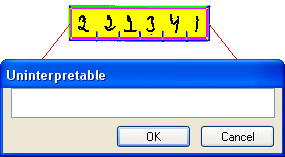
Enter entire field is a Verify job description setting that you can select in the Fast verify dialog (for the fast verify mode) or in the Verify job options dialog (for verification in normal mode).
If you select Enter entire field for an error type, then values that FORMS interpreted for the field are not shown while you are working, and you must fill in new values yourself. In other words, Enter entire field causes the box to be empty so that you can type entire field values without having to backspace to an incorrect value. Sometimes this is faster.
Note that selecting Enter entire field for a type of error in the Fast verify dialog has no effect unless you select Fast verify for the same error type.