Kofax SignDoc Standard 2.1.0 - Online Help
Make a copy
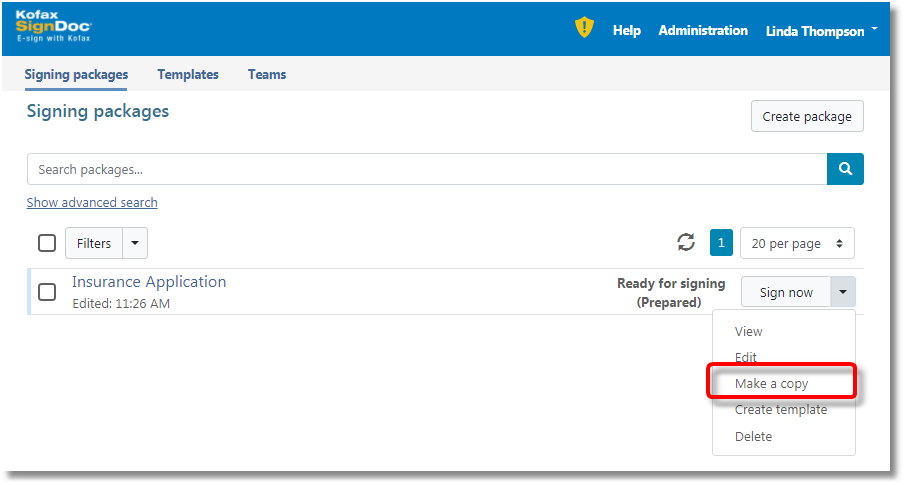
In some cases you may already have a signing package that you would like to use again. In this situation you can "make a copy" from the signing package management view
or from the signing package detailed view.
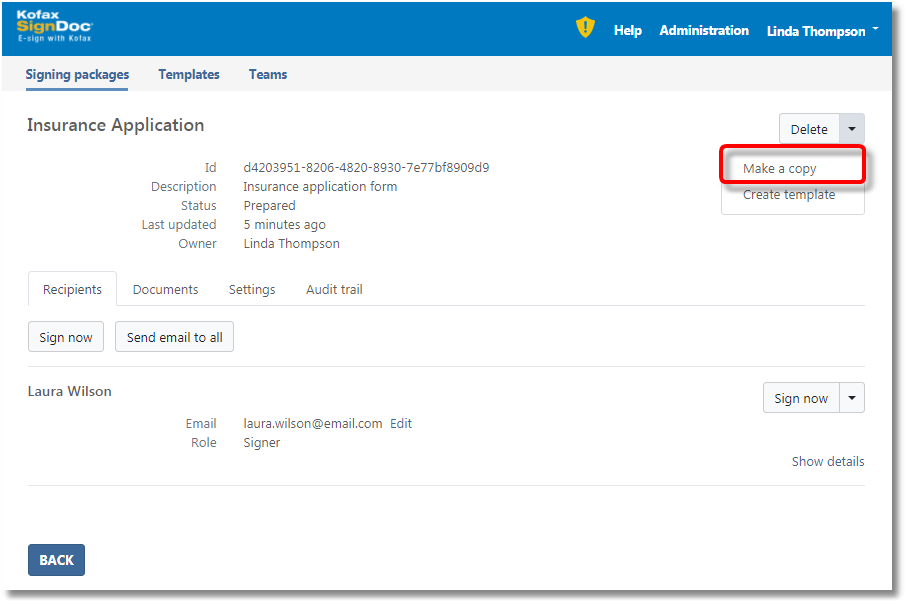
After making a copy the original package is left unchanged.
The copied package will be reset to new state: All changes made by recipients of the package will be removed and the audit trail will be cleared. The fields in the documents included in the package will also be cleared.