System settings for server administration
System settings
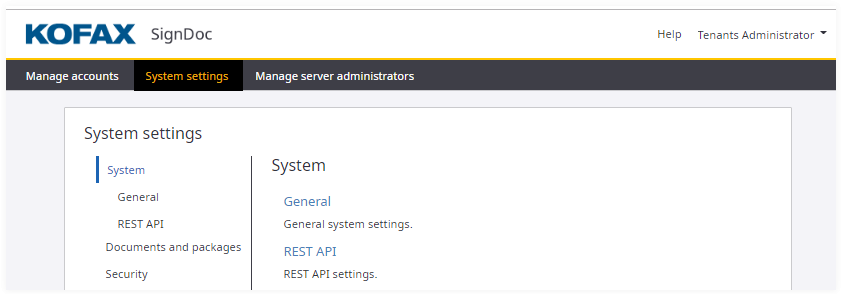
From the Administration Center starting page click the System settings link in the navigation panel.
The System settings menu is displayed which includes settings related to the system, documents and packages, security, mail, plugins, signing, and global license.
Account settings
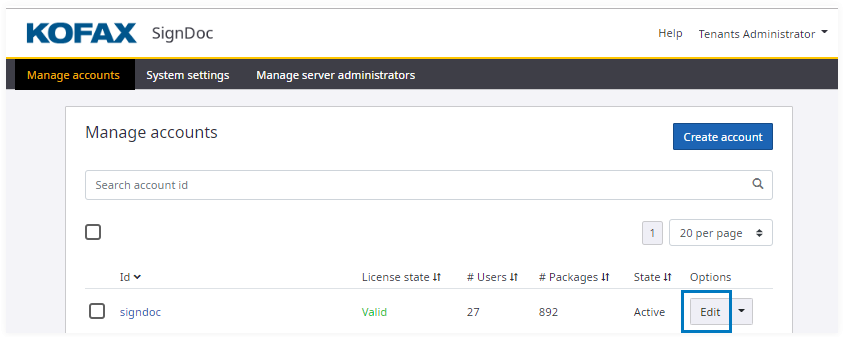
In the Manage accounts section click Edit for the preferred account.
The Manage account menu appears, where you can click one of the SETTINGS entries on the left to edit the account settings.
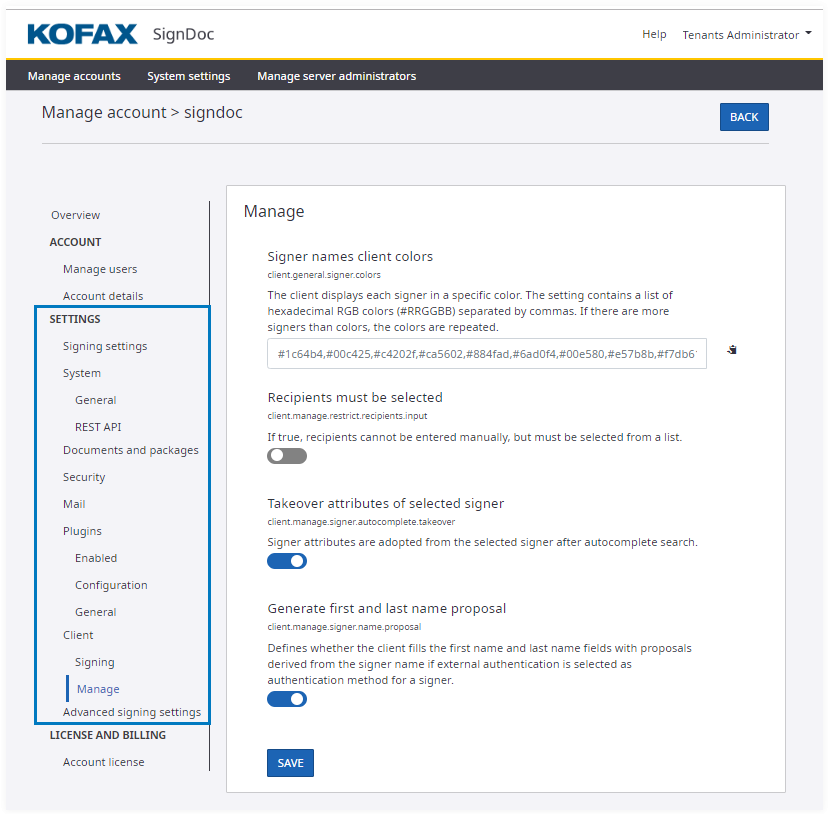
Server administration settings and account settings have different values.
As a server administrator, you set the default values for account settings.