
Remote signing session
Receive signing request
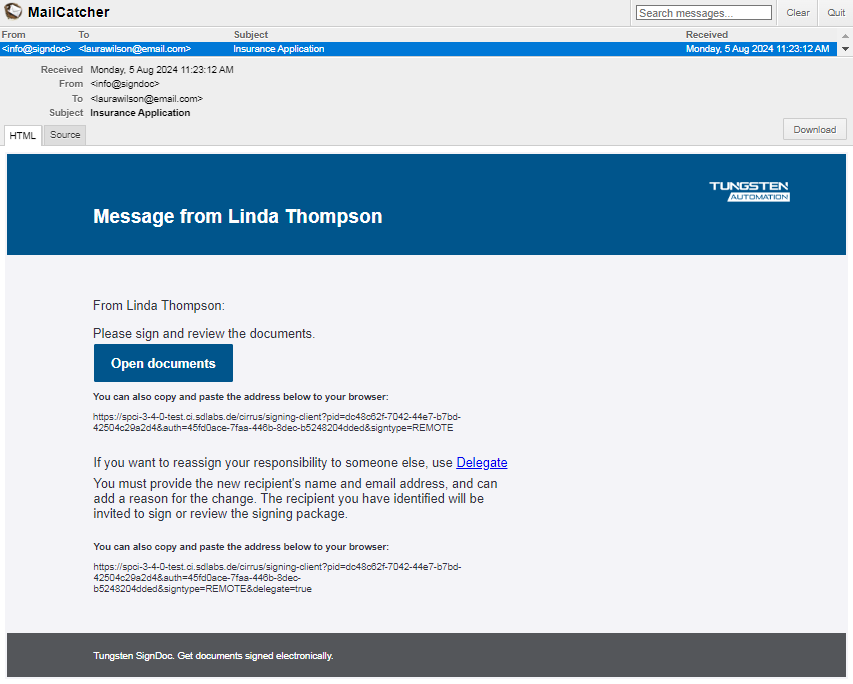
The recipients' first experience with SignDoc Standard is an email informing them about the request that documents need their review or signatures.
The email is sent from SignDoc Standard on behalf of the sender (the user organization). The email contains:
- Information about the sender (sender name)
- Message from the sender in the email body
- Secure personalized link to SignDoc Standard to open the document
- Secure personalized link to
SignDoc Standard
to delegate the signing session if delegation is allowed for this recipient
Welcome page for the remote signing session
When the recipient clicks the link or Open documents, the SignDoc Standard guided signing and review process is started. This page informs the recipients about:
- Who requested reviewing or signing
- What is requested to review and sign
- Expiration date
- Request from sender for the recipients' authentication
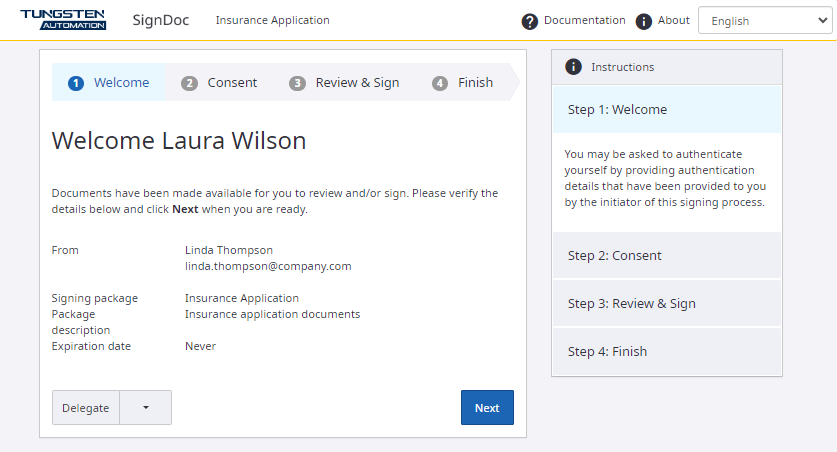
The application checks if a preferred language is set for the signer and uses that language for the signing session. If the preferred language is not set, it applies the default language for the user's browser. English is used if the default language is not confirmed.
Authentication methods
If there is at least one authentication method displayed, the signer must be authenticated before the next page is displayed. If there are multiple authentication methods, the signer can select one of them.
- None
The recipient can go directly to the next page.
- Access code
SignDoc Standard offers authentication based on access code. The recipient enters the code in the field next to Access code.
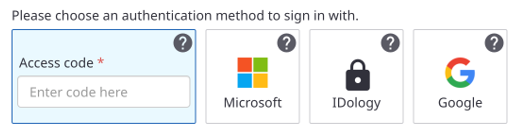
The package creator may have used SignDoc Standard to automatically send the SMS containing the access code to the recipient. This SMS is only sent when the signing session is started.
If authentication fails, a message appears.
- External authentication
When clicking Next, the recipient is forwarded to the web page of the external authentication provider. After finishing the external authentication process, the recipient is taken back to the remote signing session.
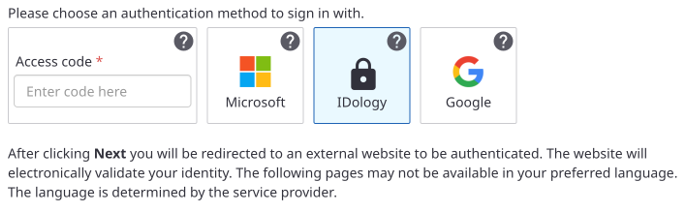
The next step requires the signer to Agree with electronic signing.