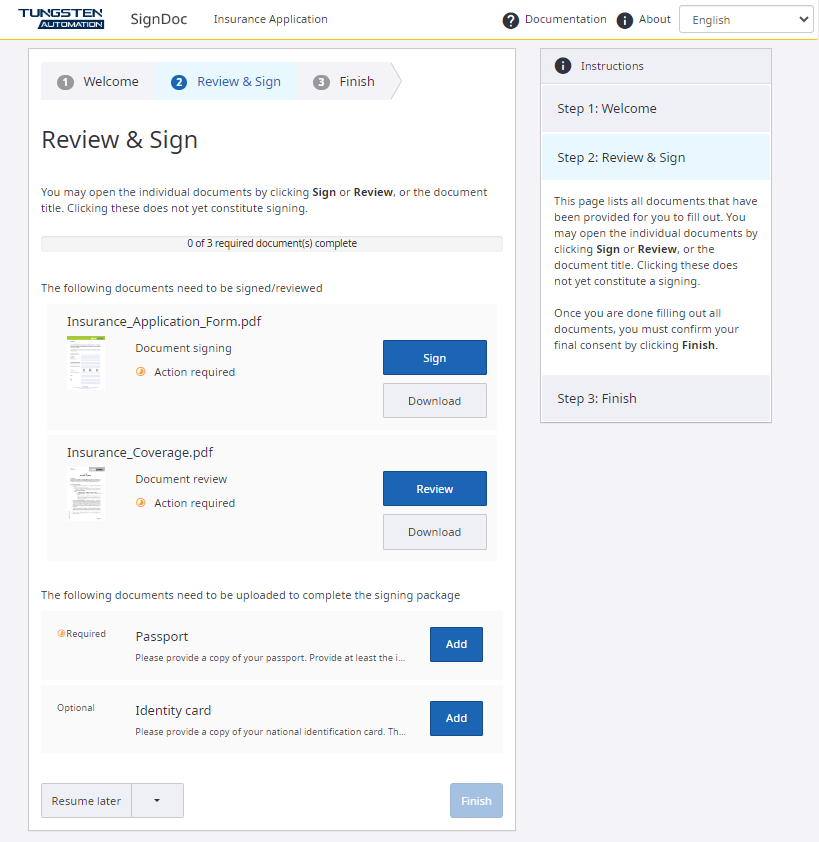
Review and sign documents
Now you are ready to review and sign the documents.
Each document is provided with:
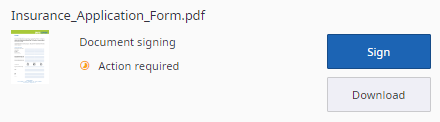
- Name of document
- Document thumbnail
- Action type requested from you (review or sign)
- Status of action (action required or complete)
- Buttons indicating available actions (you must complete any item with a blue button and "Action required" notation)
-
Click
Sign or
Review to open the document.
-
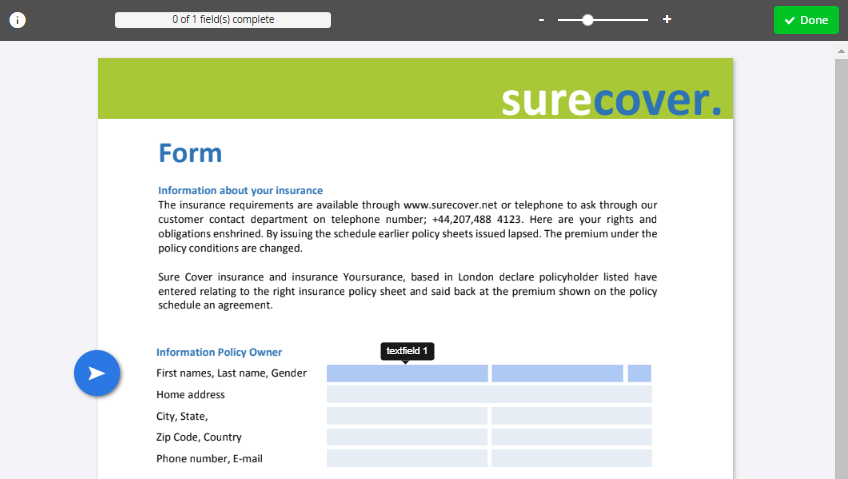
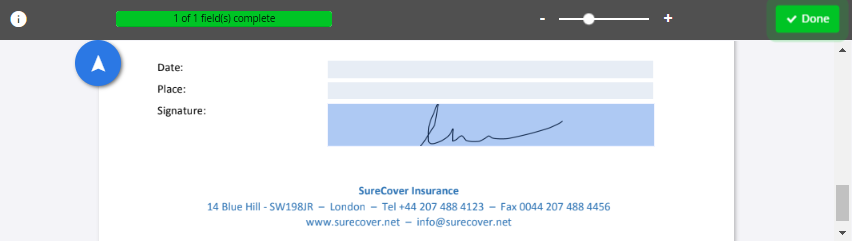
You can review the document here before signing. While scrolling, the arrow on the left will always guide you to the
next signature field that requires your attention. If you use a mobile device for signing, use the
Next button to navigate.
-
Fill the fields with required information. If fields are marked with a red star, they are obligatory to fill. Others
are optional. For information about the types of fields and signing-related details, refer to
Sign documents in the
SignDoc Standard Help. If you are requested to sign with TSP, refer to
TSP signature in the
SignDoc Standard Help.
-
When all the required actions are finished, the
Done button starts pulsating. Click it to return to the document overview.
-
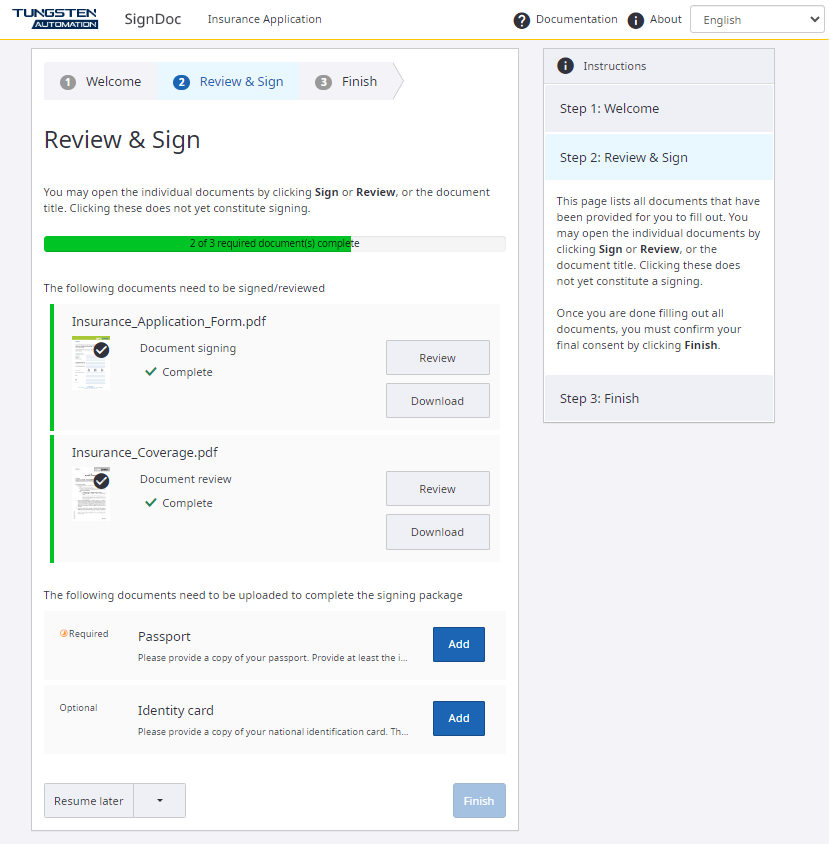
After you finish signing the document, you will see the
Complete status label. The button label also changes from
Sign to
Review indicating that your signing process for this document is completed.
-
Add supplemental documents if they are requested. Supplemental documents marked as required must be uploaded.
-
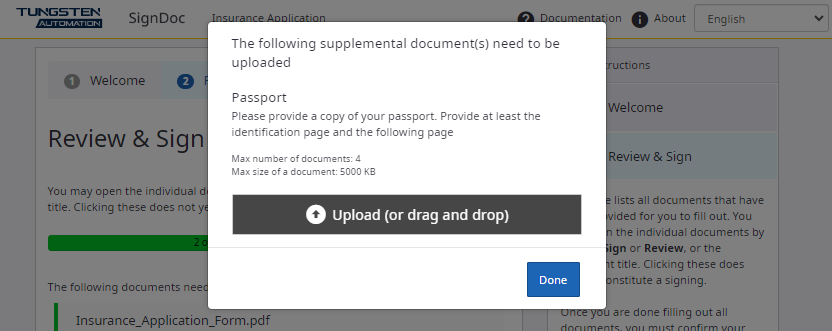
Upload the files. Please pay attention to the maximum number and maximum size of the requested documents. For details,
refer to
Supplemental documents in the
SignDoc Standard Help.
-
To download copies of your signed documents, do one of the following:
-
Select a signed document and click Download.
-
Select Download all to download all signed documents at once.
This option is available if not disabled by an account administrator.
You also basically get a copy of signed documents by email after the package is complete. -
-
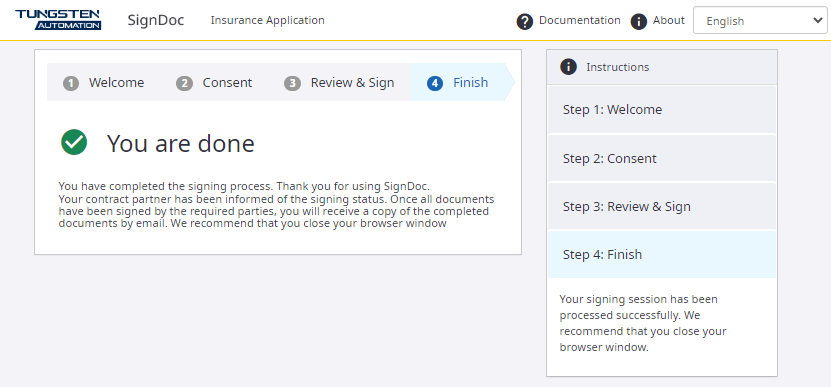
The
Finish page confirms that the signing session has been processed
successfully.