
Open documents and check credentials
From the email with the e-signing request, open the documents to be signed or reviewed. Click Open documents.
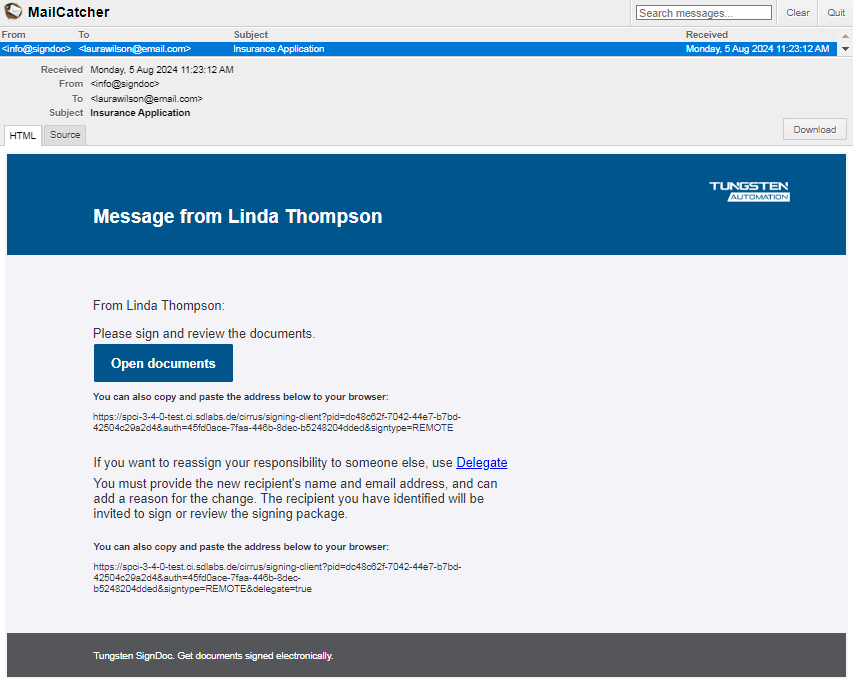
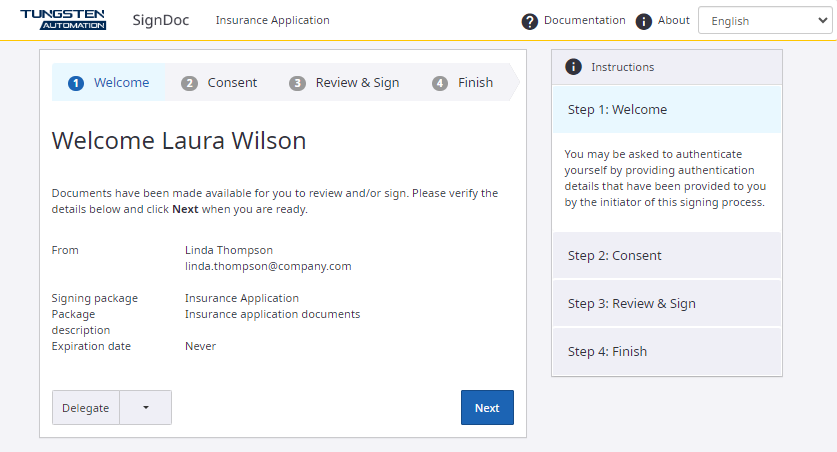
On the Welcome page, verify the credentials. Make sure the documents are intended for you.
Note that the Signing Client is displayed in the language that was selected for you by the signing package creator or in English if no language was preset. You can change the language by selecting another language from the list in the upper right corner.
For mobile devices click the menu button
 on the
upper right corner. The hidden menu with the language list and the documentation link are displayed.
on the
upper right corner. The hidden menu with the language list and the documentation link are displayed.
If you are prompted for additional authentication and need more information, refer to Remote signing session in the SignDoc Standard Help.