
Separation services
Separation services provide an interface to separate invoices in a batch quickly and easily.
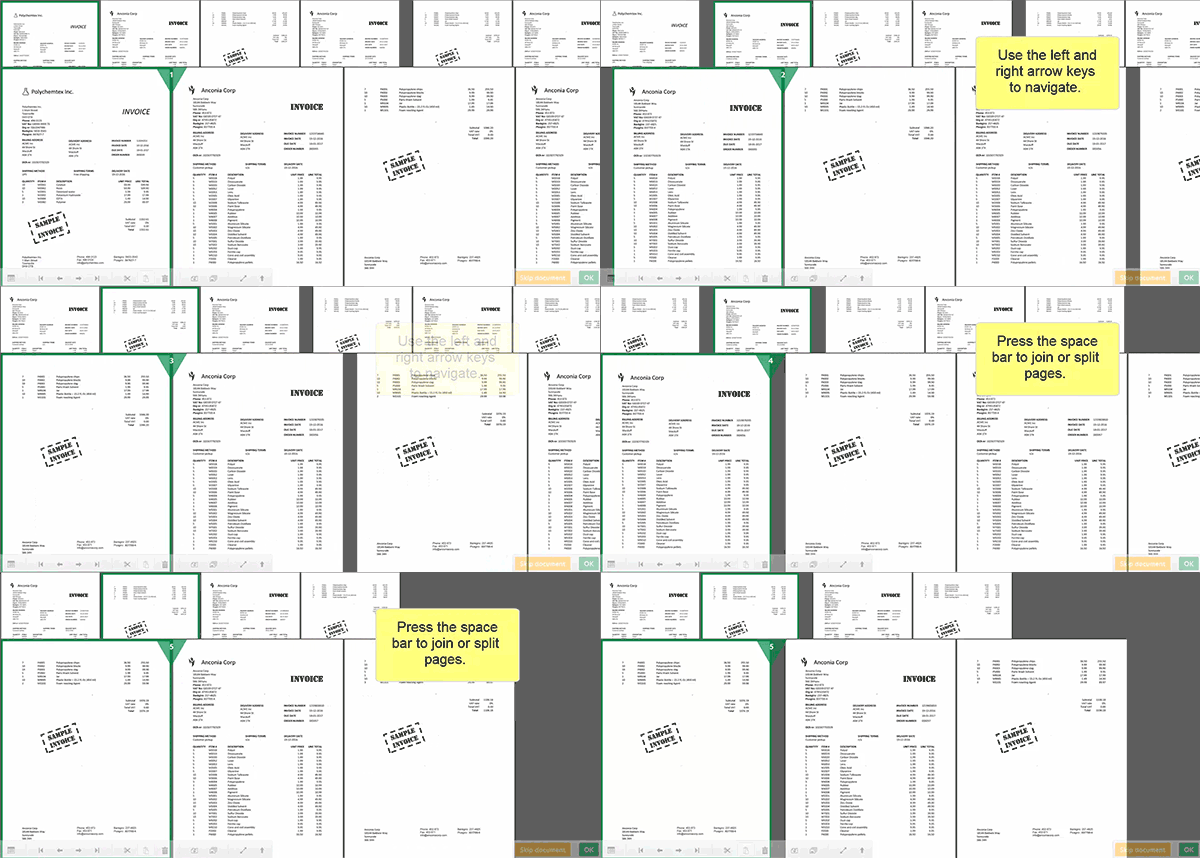
When a batch of invoices enters the system, Tungsten AP Essentials automatically recognizes where one invoice ends and the next one begins. However, detecting page separation can be difficult if, for example, irregular attachments or other documents interfere with the process. When this happens, you can manually specify where invoices need to be joined or separated.
To perform document separation, the Separation service must be enabled and the user must have the Manual document separation (Split) privilege enabled in the Users view (Roles & privileges tab). You can force manual separation on all batches by selecting Force manual document separation on all batches (see Process control service settings). If you do not force manual separation on all batches, you can only separate batches by selecting Split in the document view.
You can use separation services with or without blank-page separation.