How to Resend a Message
-
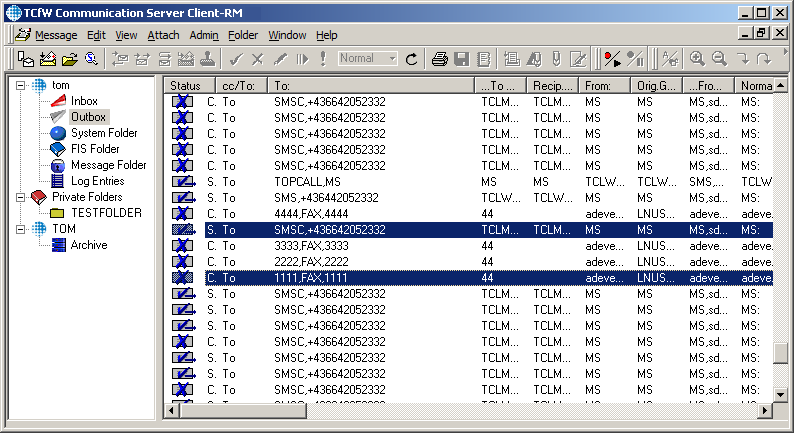
Select the message(s) which you want to resend
-
Click the send button
 or select Send from the Message menu.
-
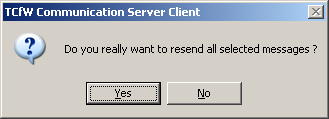
A message box window opens where you can start the resending process by clicking the Yes button or cancel it by clicking the No button
-
If you click Yes, a new window opens which shows the progress of the resending process
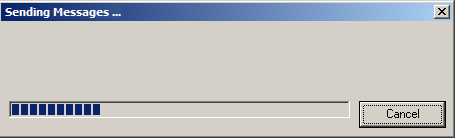 You can cancel the resending process any time by clicking the Cancel button
-
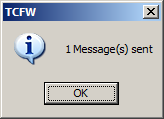
At last TCfW displays a message window with the number of sent messages