Field view
 To access this view:
When verifying a document, use this window to view a magnified image of the current field along with the field name, the value, and any information about the field. The current field is outlined in blue (with a yellow background) on the image of the current document being verified.
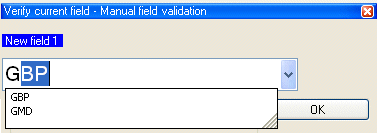
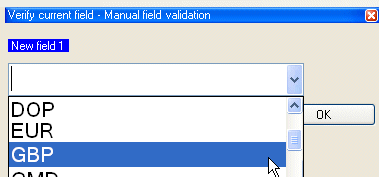
When you type a new value and press , the value is validated against the validation rules for the field. If validation passes, the system moves on to the next field. If not, a validation error is reported in the area.
The and the cannot both be displayed at the same time. When one is displayed, only the other is available in the menu. Both views always display the same current field for verification.
Changing how the Production module looks when you verify documents
Customizing the layout in the Production module
Using keyboard shortcuts in the Production module