Field list
 To access the field list
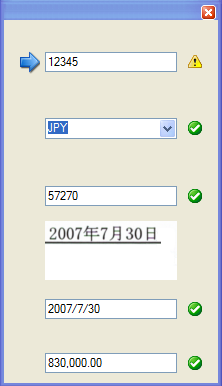
When you are verifying a document, use this window to view a complete list of all the fields found on a document. The list includes an image, a value, and a status symbol for each field on the document, as well as an arrow pointing to the value of the field currently being verified. The current field is also outlined in blue (with a yellow background) on the image of the document being verified. To select a different field to verify, click inside the rectangle displaying the field's current value.
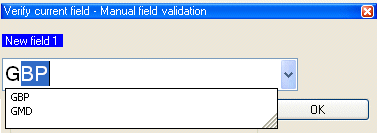
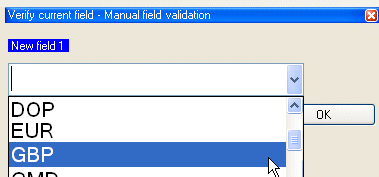
When the system does not find any data to extract for a field, there is an explanation, stating that the field exists but that no image can be found. Type a value for the field (optional).
The and the cannot both be displayed at the same time. When one is displayed, only the other is available in the menu. Both views always display the same current field for verification.
Changing how the Production module looks when you verify documents