Decline a signing package
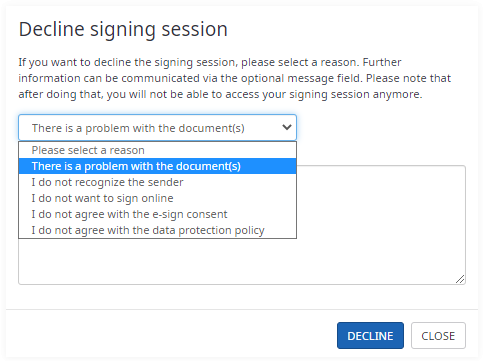
A recipient of a signing package can decline the review and sign process at any time.
The recipient can select a reason from the list for declining and
optionally type additional comments into a free text field.
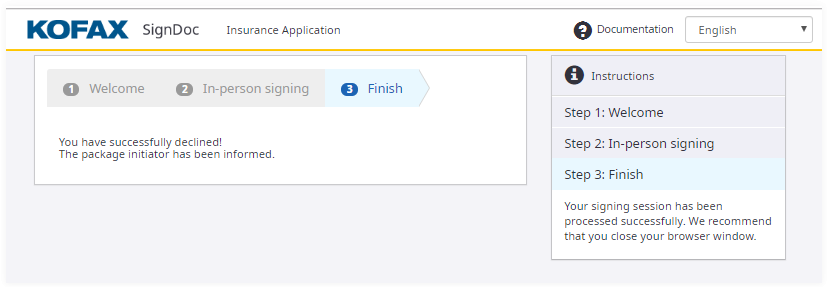
The signing session for the recipient is closed and the recipient is redirected to the Finish page.
The recipient sees a message that the signing has been declined, and the
signing package initiator has been informed.
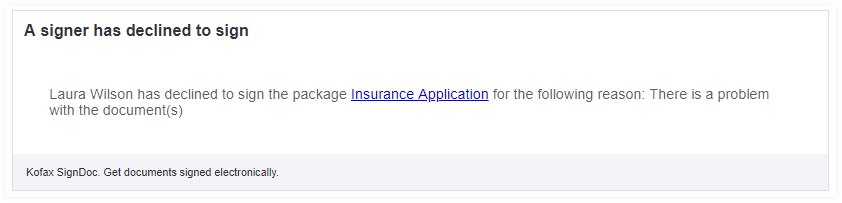
The sender receives an email.
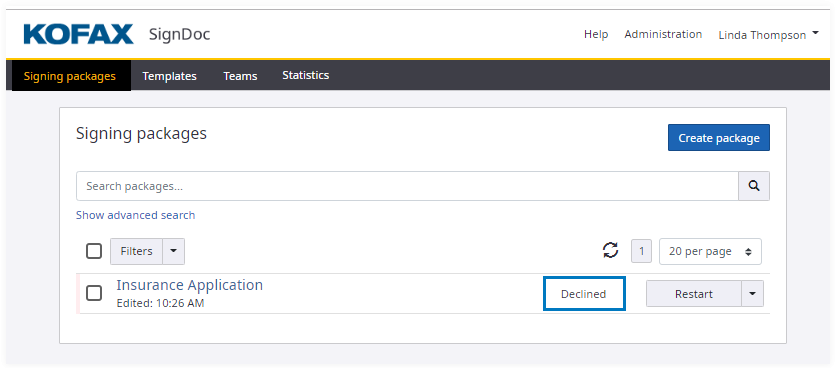
The signing package is displayed with the
Declined status.