
Signing session timeout
A signing session will expire if there is no activity in the user interface of the Signing Client. An administrator can configure the signing session timeout. The default timeout is five minutes.
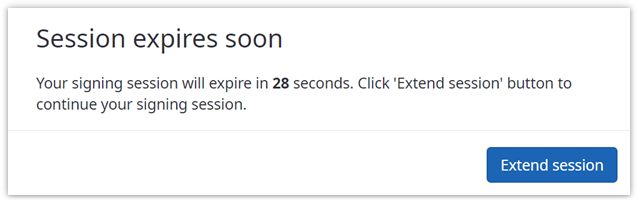
Before the signing session expires, a dialog pops up in which the
signer must click the
Extend session button to continue his signing session.
Once the session expired, the signing session is canceled, and the
signer is forwarded to the "session expired" page, which provides information
about what happened.

Per default, the "session expired" page is displayed, but an
administrator can configure an URL to which the signer is forwarded when the
signing session expired.