View Print jobs
The printed jobs lists show information about completed print jobs.
The user can view and manage jobs in the Output Manager Follow-You Printing jobs list.
Output Manager job screen
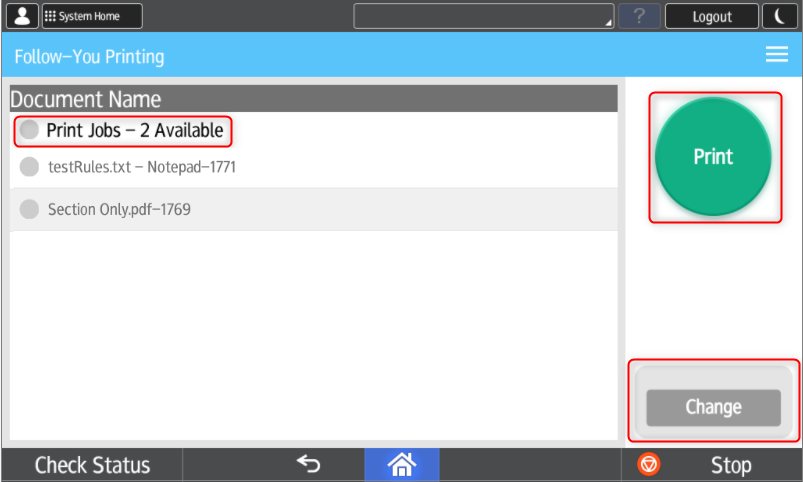
The following options are available:
| Button | Description |
|---|---|
|
Prints the selected job in the list. |
|
| Change |
Change the print preferences of selected print job. |
Change settings
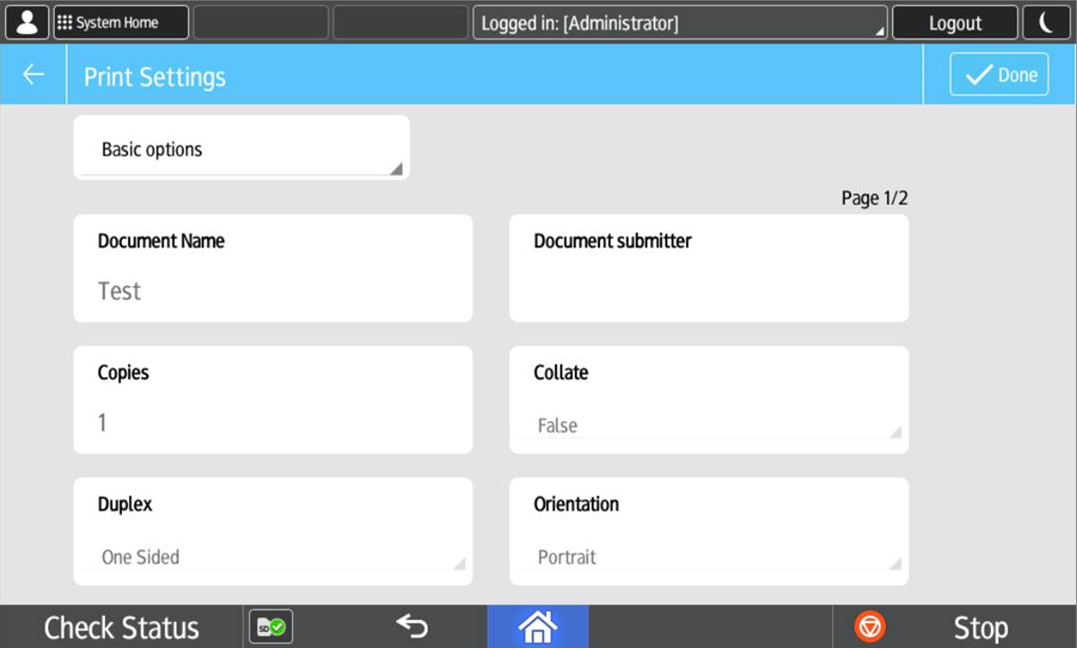
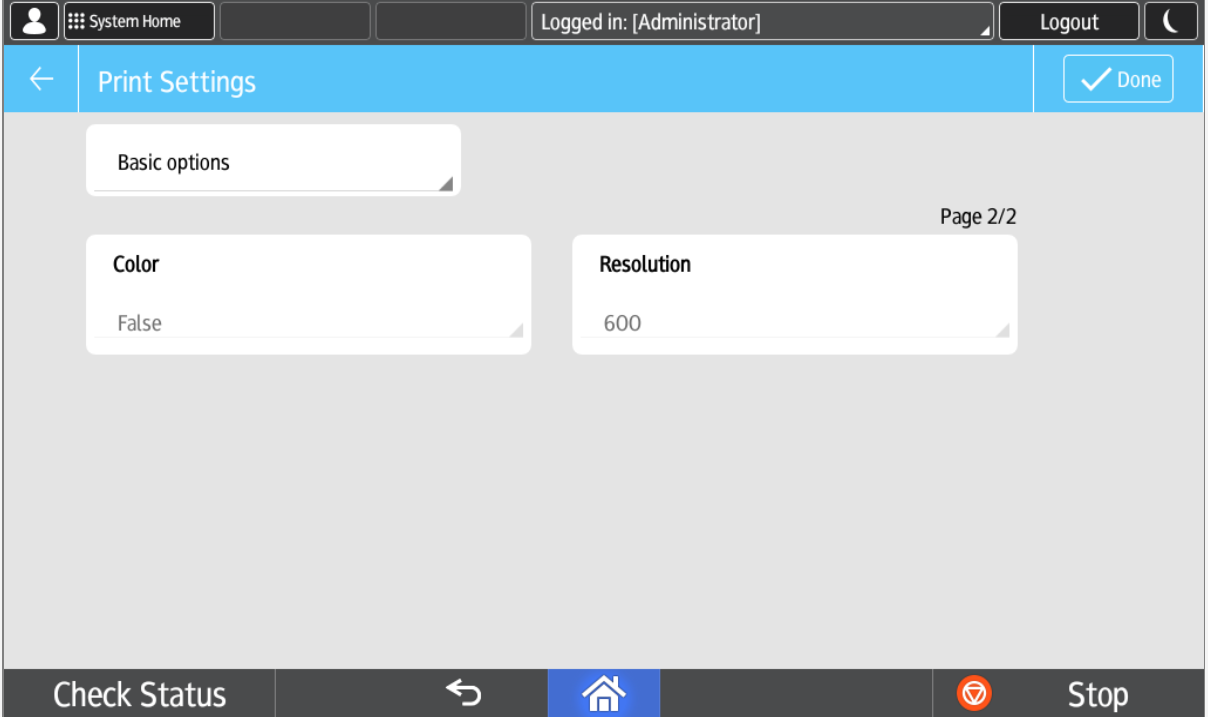
The following Print Settings are available under Basic options: Document Name, Document Submitter, Copies, Collate, Duplex, Orientation, Color and Resolution.
and