Change the Viewer language
Use the language selection option to switch the display language for the Viewer.
- In Studio, on the toolbar, click Tools, and select Studio Settings.
-
Click the ellipsis icon
 to search for the required languages. Select the language and save
 the changes.
-
Select
Search
 and click
Language selection.
and click
Language selection.
The Tools window appears.
-
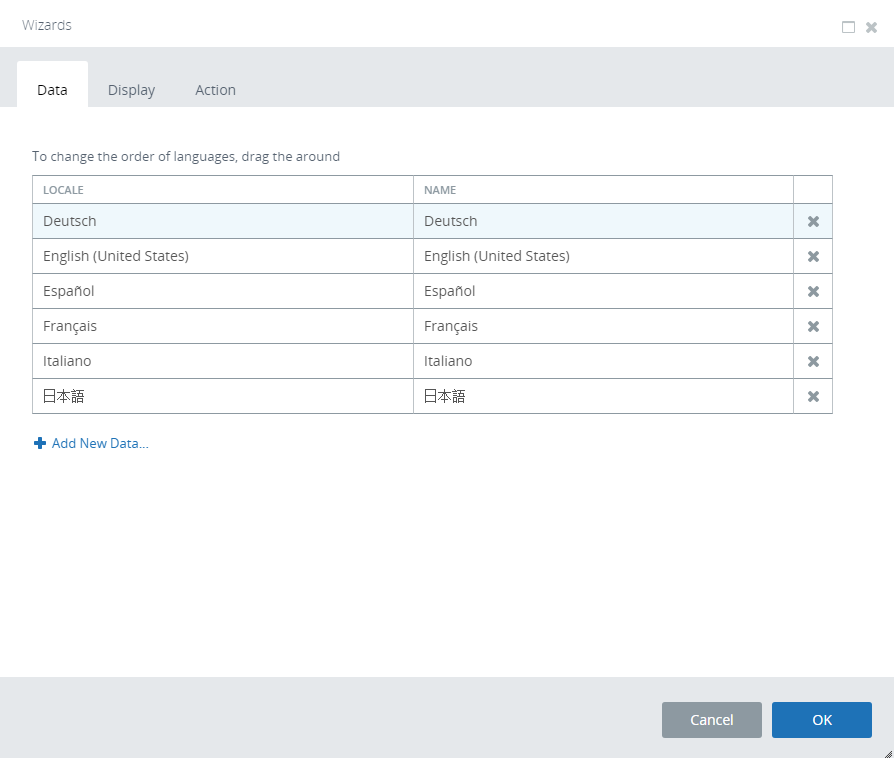
Add the languages selected in step 2.
The Viewer is refreshed to use the new language.