
Training set
In the Training set section, you can specify the training documents for different classes.
| Icon | Name | Description |
|---|---|---|
 |
Create a new class | Create a new class. Empty classes have the default name format of
classXXXX [X], where
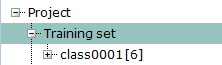 Click the Add training documents ( Click the Add training documents ( ) button within the class to fill up the class with training
documents. ) button within the class to fill up the class with training
documents. 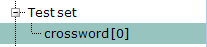 |
|
Add class(es) by folder(s) | Create a new class from a directory of files. The new class is named
after the directory it is created from.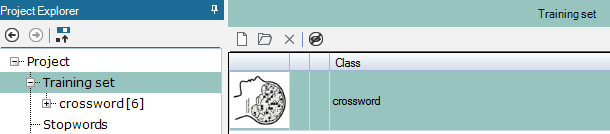 |
 |
Delete | Delete a selected class. |
 |
Hide / Unhide | Hide a selected classes. |
| Icon | Name | Description |
|---|---|---|
 |
Small images | Change the size of the displayed image thumbnails to small images. |
 |
Medium images | Change the size of the displayed image thumbnails to medium images. |
 |
Large images | Change the size of the displayed image thumbnails to large images. |