Manage columns
-
Point to a column header and click the arrow.
The following menu appears.
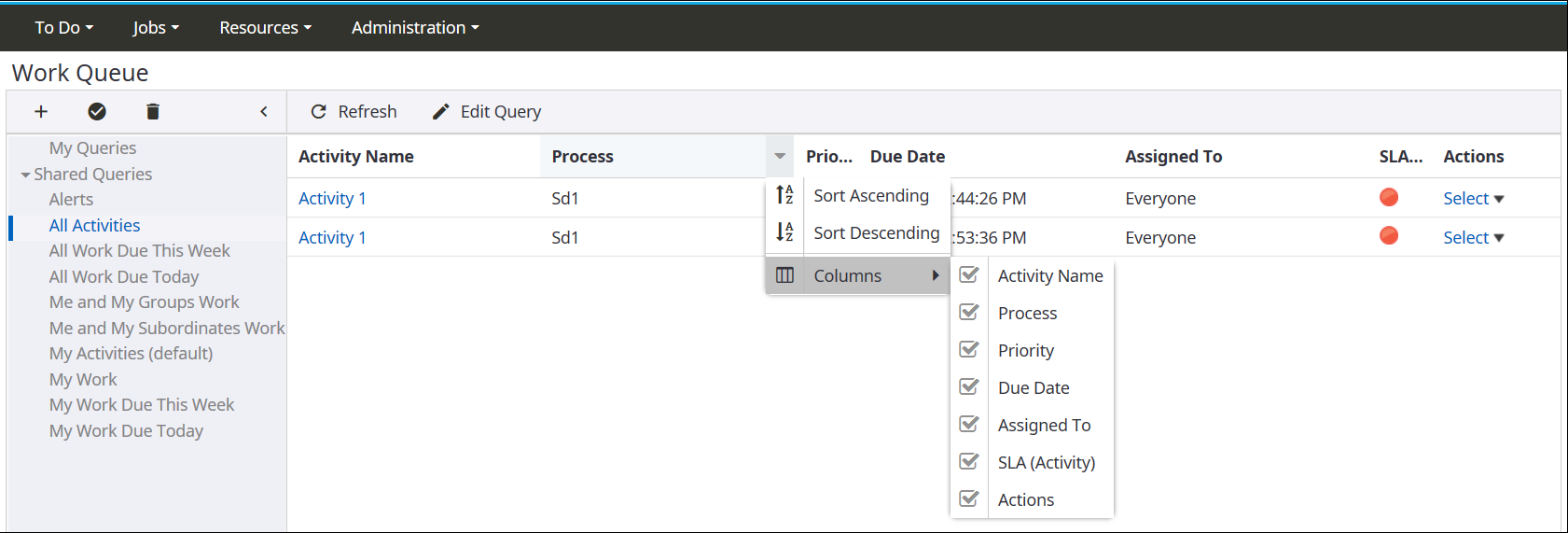
- To sort a column, click Sort Ascending or Sort Descending.
-
To hide columns, on the column menu, such as Activity Name, point to
Columns and clear the check box for the column to hide.
By default, all columns are visible.