
Quick tour of Document Review
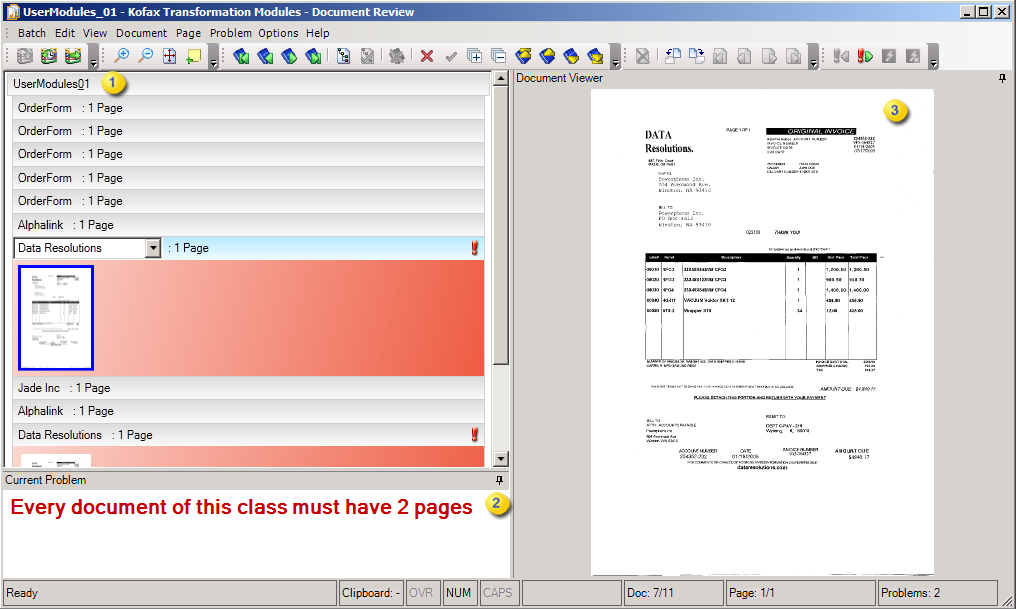
Document Review has a menu and toolbar for quick access to various features and commands. In addition, a status bar is displayed along the bottom of the window and provides additional information. If the Document Viewer and Current Problem panes are visible, you can undock and reposition them.

|
Batch Tree view displays the content of a batch. |

|
Current Problem displays the error message for the selected problem document. |

|
Document Viewer displays the image of the currently-selected document. |