
Create a signing package
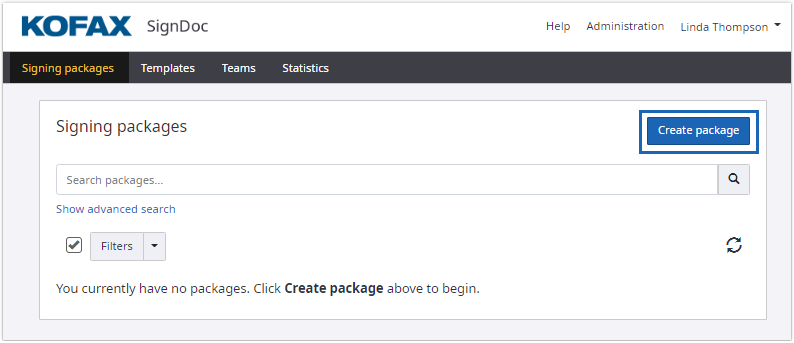
On the Signing packages page, click Create package.
The page for creating signing packages appears:
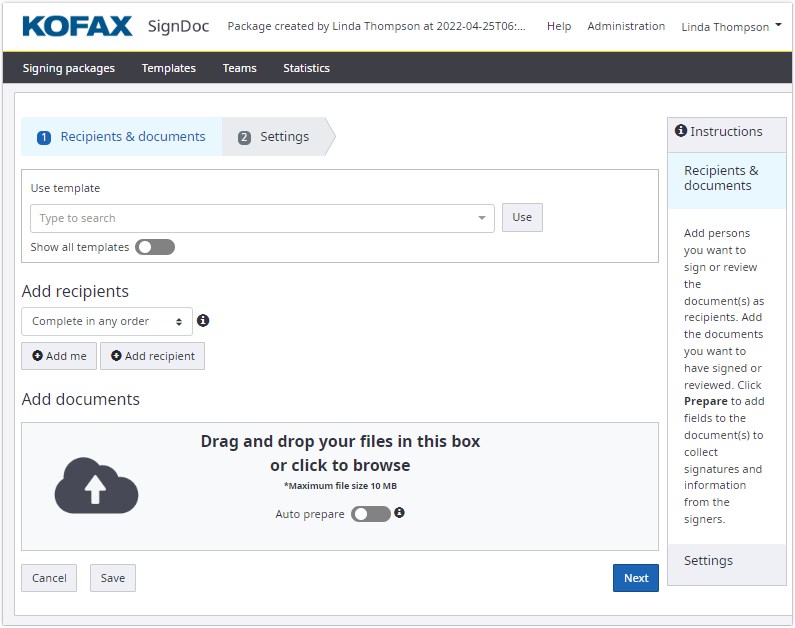
To create a signing package:
- Add recipients, see Add recipients to signing package.
- Add documents, (see
Add documents to signing package.
When uploading a document, the application automatically deletes all existing signatures and all invisible signature fields (where all position coordinates are in the same point).
- Add fields to documents, see Prepare documents.
- Add messages and review settings before sending out the signing package, see Package settings.