
Show Trace
The trace level for FraudOne actions can be specified within the configuration element admin.properties.
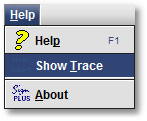
The corresponding messages can be displayed by selecting from the menu:
Help > Show Trace
The Trace Log window will be opened:
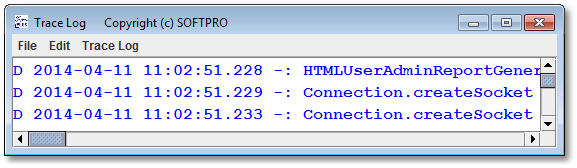
With Ctrl + A all trace messages will be marked.
Now they can be copied to the clipboard with Ctrl + C or by selecting from the menu
Edit > Clipboard
In FraudOne standard installations all trace messages are simultaneously written to the file adminclient.log.