Capture signatures
Capturing a signature
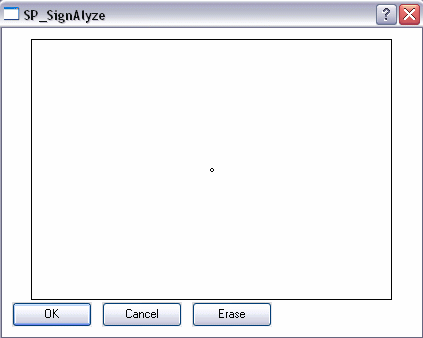
The window to capture a signature opens whenever you click an action that is linked to the signature capture process.
- Each signature will be captured separately.
- Confirm the captured signature with OK.
- Click Erase to restart the signature capture process.
- Click Cancel to cancel the signature capture process.
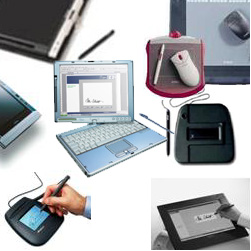
Tablets to capture signatures
Quality criteria for capturing signatures:
- High accuracy to display the signature image as on paper, especially for curves.
- Sufficient amount of captured time signals throughout a writing process.
- Differentiation of various writing pressure levels.
- Exact optical feedback throughout the writing process. Alternatively: Using a paper on the tablet where the signature is written on as usual (with "inking pen").
The recording devices have different sensors. For example, sensors for acceleration and pressure, as well as their combination.
Further distinguishing features are the number and resolution of recordable write signals.
A particularly crucial factor is the appropriate differentiation of pressure strengths. Writing experts see this point as one of the most important features in the classic comparison of two signatures on paper.
Samples of different tablets: