
Add annotation
The annotations feature allows you to add comments for an item, such as a description of the item, information about changes done in the item, or any other information regarding the item. These annotations can be used as a reference to know about the item when you work on them anytime in the future.
-
On the
Results page, click
 . The
Annotations (<Item Ref ID>) page appears with the history of previously recorded
annotations.
. The
Annotations (<Item Ref ID>) page appears with the history of previously recorded
annotations.
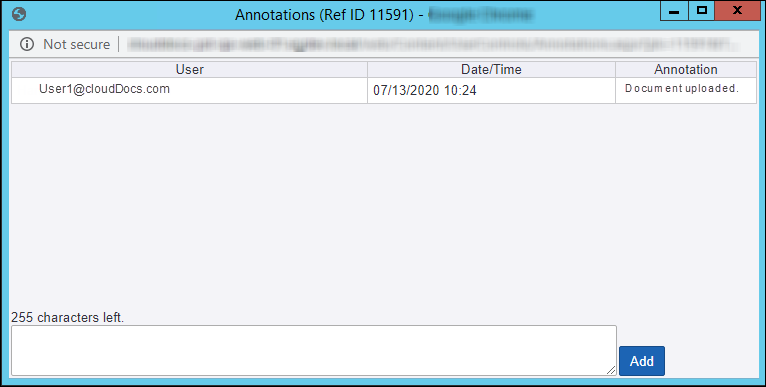
- Enter comments in the text box provided at the bottom of the page.
- Click Add to save the comment. Comments once added cannot be edited or deleted.
- Close page after adding comments.