
Load tracking
Use this option to generate a report for the details of items that were scanned or uploaded in a selected period of time.
-
Go to
.
The Load Report page appears.
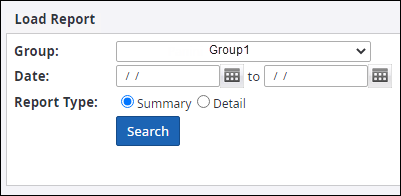
- Follow steps given in Archive audit tracking for selecting group, specifying date and selecting user.
-
Select either option for
Report Type:
- Select Summary: Generates a report with information such as process date, item count, and page count.
- Select Detail: Generates a detailed report with information such as file name, file loaded date, and file processed date.
-
Click
Search to generate the report.
You can click Download to download the report in CSV format.