
Quick indexing
You can update the details of an item while uploading it into the application. While using the Scan or Upload option, you can select Quick Indexing to provide the details of the item being scanned or uploaded.
-
Select
Quick Indexing on the
Capture page. The
Key From Image pop-up window appears.
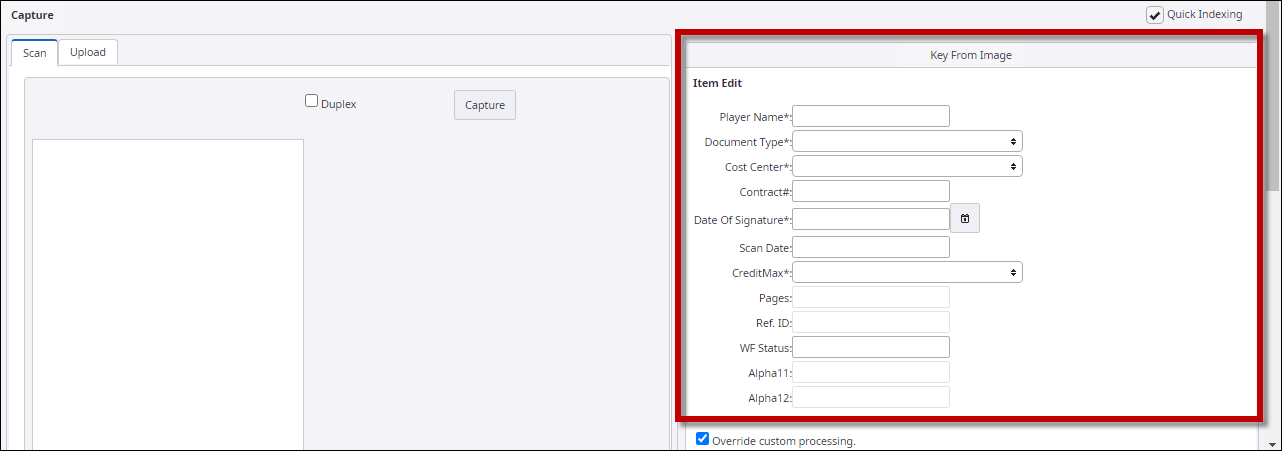
- Enter the item details such as item name, document type, and scan date.