
Upload
You can upload a document into the application. Use this option when there is no scanner available and if you have the soft copies of the document.
-
Go to
. The
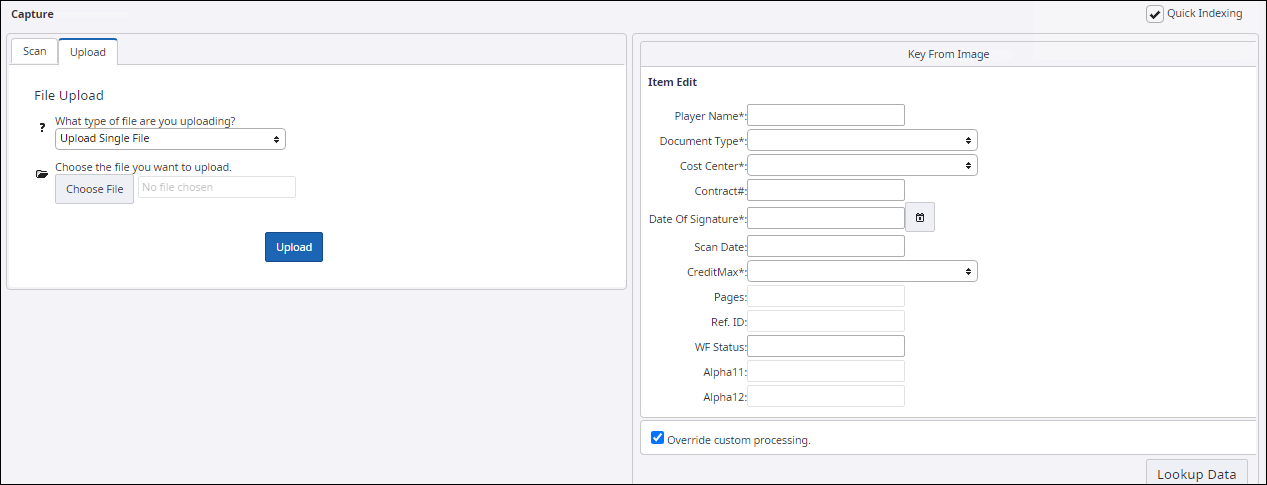
File Upload pane appears.
-
Select the type of file you want to upload:
- Upload Single File: To upload a single file
- Upload Multiple File(s): To upload multiple files
-
To select the files to upload, click
Choose File
-
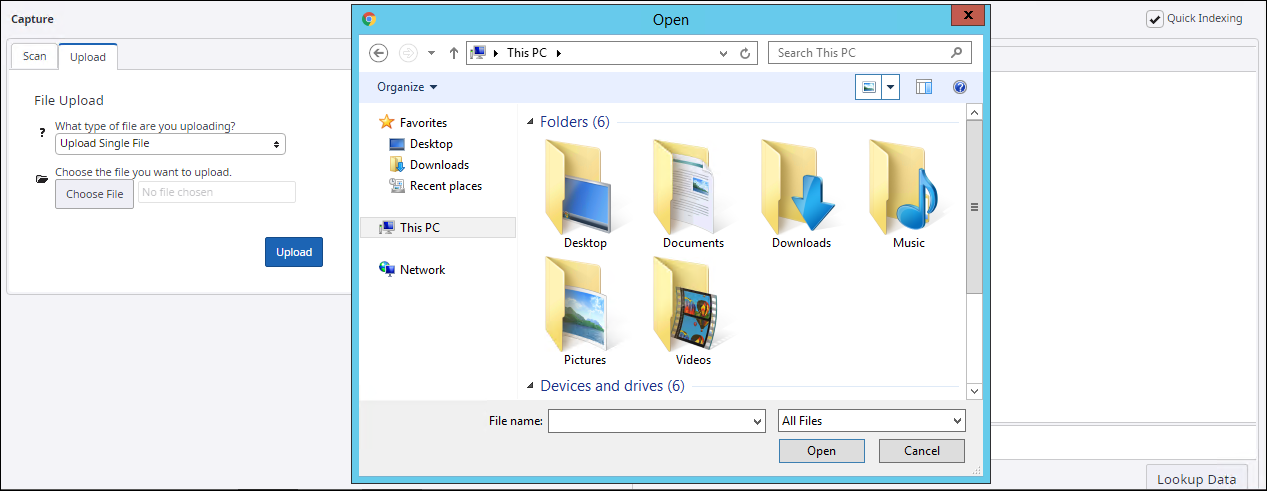
Browse and select the files, and then click
Open.
The list of the selected files appears in the box next to the Choose File button.
-
Click
Upload.
A confirmation message appears with the Ref ID and Batch number of the item uploaded.