General overview
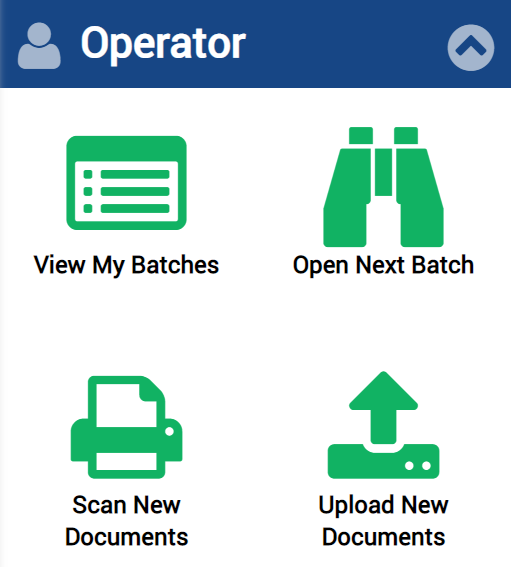
After you log in to Transact, use the Operator menu on the home page to open the list of batch instances, access batches in the review or validation states, scan documents, and upload single or multiple files.
Use these links to get more information about Transact operator features:
Once you click any of the following icons, the operator user interface appears.