
Register out-of-band applications
Some service providers offer a mechanism to authorize OAuth applications without using a callback. This is known as out-of-band. Management Console supports out-of-band authorization.
The application you create at the service provider's website must be registered as an out-of-band application. See Create service provider applications.
The following example shows how to register an out-of-band-application at X (formerly Twitter).
- Create the application, and leave the callback URL field blank.
- Register the application in Management Console, and leave the callback URL field blank.
-
Add the
OAuth clients.
When you add the OAuth clients, clicking the authorization link does not redirect you back to the Management Console. Instead, the service provider presents a verifier PIN, such as the following.
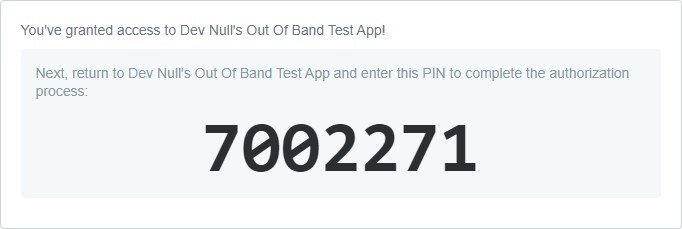
- In the Verifier field, enter the PIN provided by your service provider.
-
Click
Next.
When the OAuth client is successfully authorized, the Retrieve access tokens tab is opened with the Access token and Refresh token fields completed.
- Click Finish.