
Reply / Reply All
In the Inbox, the user can reply to a message by using the Reply and Reply All options. When you select to reply to a message, a compose window is displayed and the original message is included as text. Attachments are removed. The original recipient information (recipient, originator, time, …) is added to the message.
By default, the Reply option sends the message reply to the original sender. However, the user can change the recipients in the TO, CC, and BCC fields.
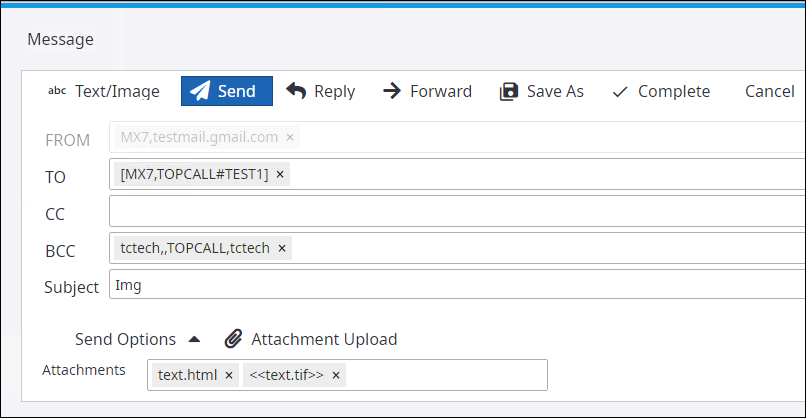
The Reply All button is only available when the received message has more than one recipient. Users can change the recipients in the TO, CC, and BCC fields.
