
Reject a message
-
Double-click a message from the
Inbox grid.
The Message window is displayed.
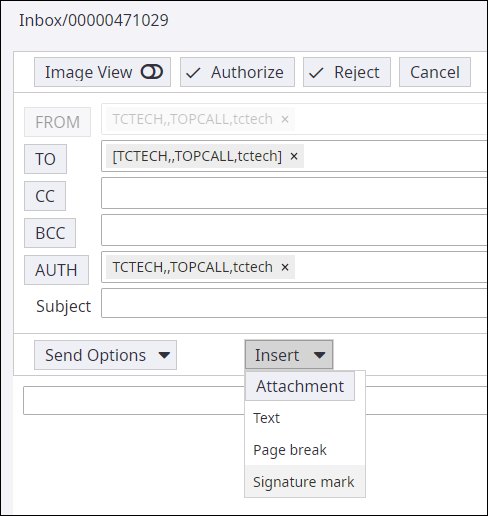
-
Click
Reject.
A confirmation message is displayed.
-
Click
Ok.
The Send option is enabled to send the reject message to the sender.
-
Click
Send.
Optionally, you can choose to enter a message (for example, the reason for rejection) in the text box and then click Send.
The reject message is sent to the sender.